



CO2 Laser Engraving Cutting Machine Configuration Guide: Power, Table Size, Camera and Feeding Options
A CO2 laser engraving cutting machine should not be selected only by machine model name or laser power. For most buyers, the final configuration depends on material size, cutting thickness, engraving requirements, production volume, feeding method, positioning accuracy, and workshop layout.
The same CO2 laser machine category may include different laser powers, working areas, table structures, camera systems, cooling systems, and feeding options. A machine used for small acrylic signs or craft engraving does not need the same configuration as a machine used for roll fabric cutting, printed label contour cutting, or large-format advertising boards.
This guide explains how buyers can compare the main configuration options before requesting a CO2 laser machine quotation.
Why Configuration Matters More Than Model Name
Many CO2 laser machines may look similar from the outside, but their actual performance can be very different. Laser power, tube type, controller, table structure, chiller, exhaust system, air assist, guide rails, camera positioning, and feeding method all affect cutting quality and daily operation.
A practical configuration should answer several questions:
- What is the maximum material size?
- Is the material supplied as sheets or rolls?
- Is the work mainly cutting, engraving, contour cutting, or mixed processing?
- Does the machine need to follow printed outlines?
- Is production occasional, small batch, or continuous?
- Are the materials rigid, flexible, thin, thick, printed, or irregular?
For this reason, buyers should compare the complete configuration instead of only asking for “a CO2 laser machine price.”
1. How to Choose CO2 Laser Power
Laser power affects cutting thickness, cutting speed, and processing stability. However, higher power is not always the best choice. Fine engraving, thin paper cutting, leather marking, and fabric processing often need stable control more than maximum wattage.
General power selection logic:
| Laser Power Range | Common Configuration Direction |
|---|---|
| 30W–60W | Small engraving, paper, thin leather, craft materials, small acrylic work |
| 70W–80W | General engraving and light cutting for small workshops |
| 100W–130W | Acrylic cutting, wood cutting, packaging, advertising materials, mixed processing |
| 150W and above | Thicker sheets, larger workpieces, higher cutting demand, production-oriented use |
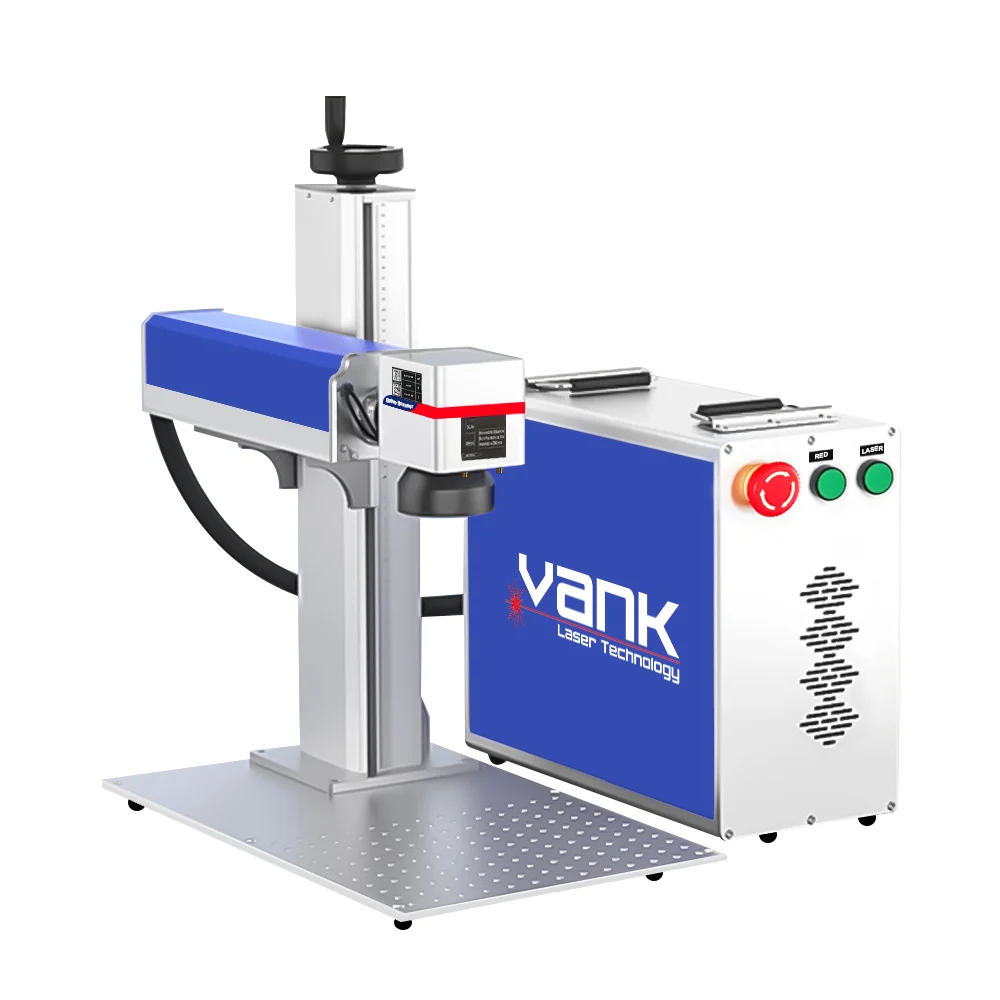
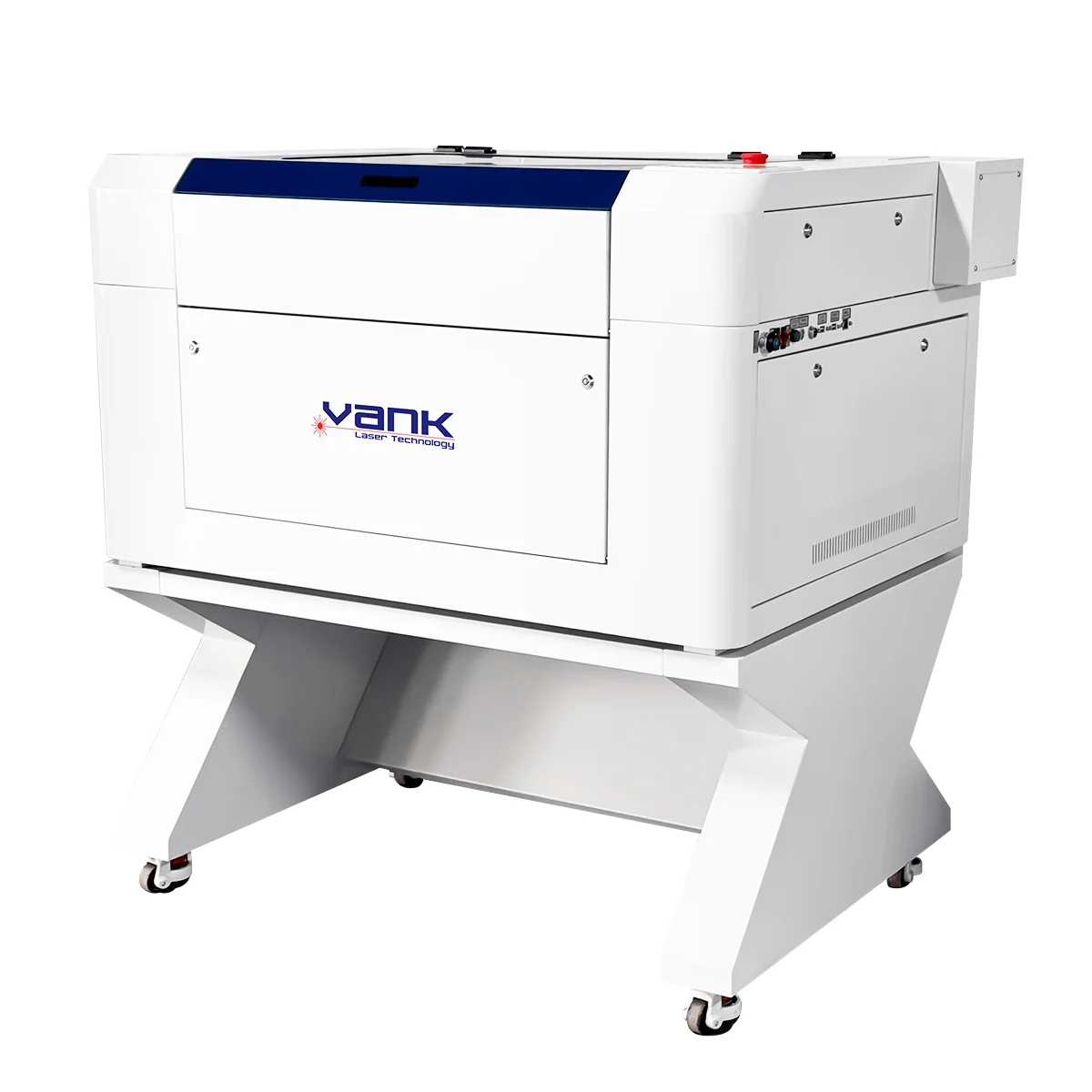
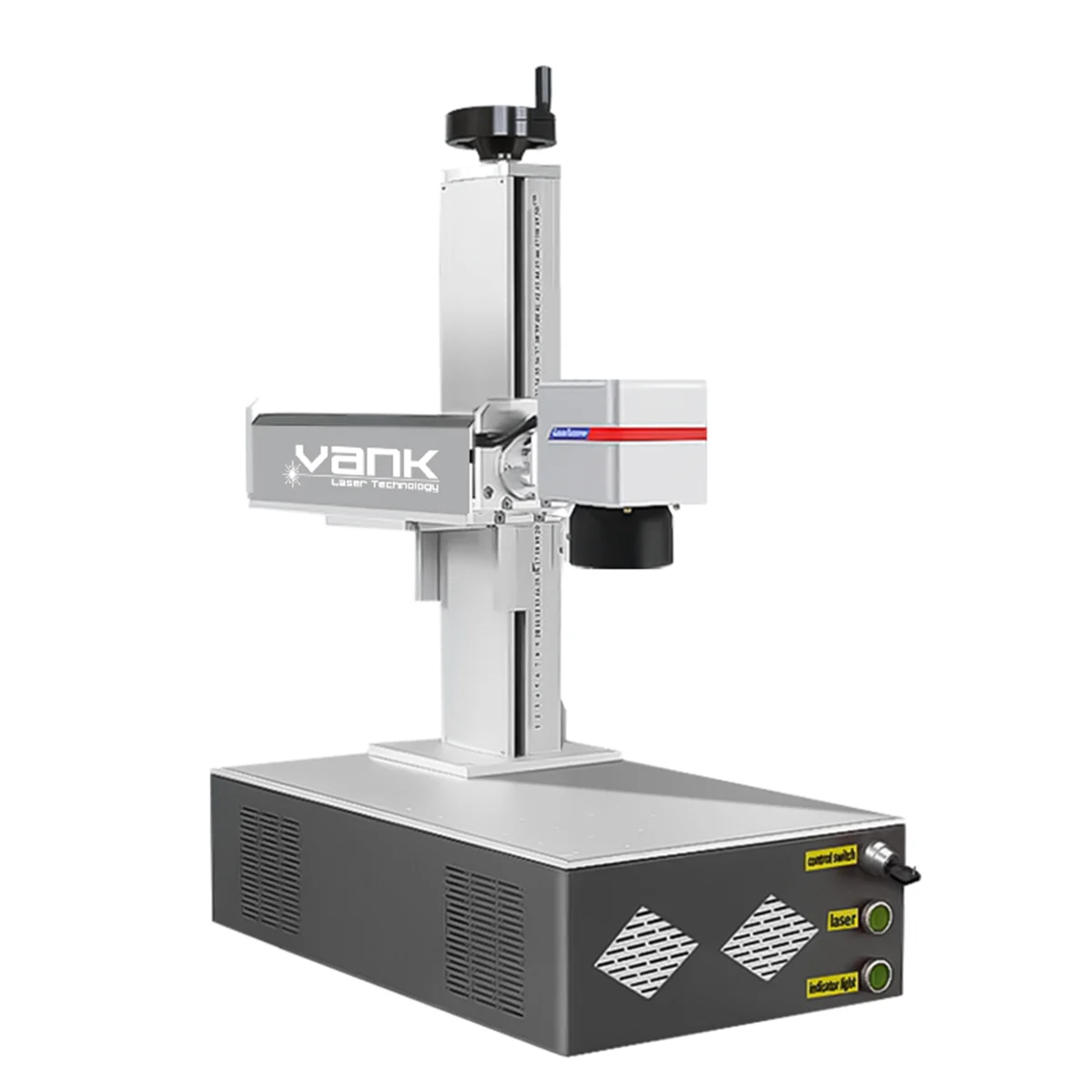
For small-format engraving, sample work, paper, leather, thin acrylic, and light craft processing, the Высокоскоростной CO2 лазерный гравировальный станок для резки is suitable for buyers who need compact working areas and high engraving speed. Its product page lists 30W, 40W, and 60W RF CO2 laser tube options, with 600×400 mm, 700×500 mm, and 900×600 mm working areas.
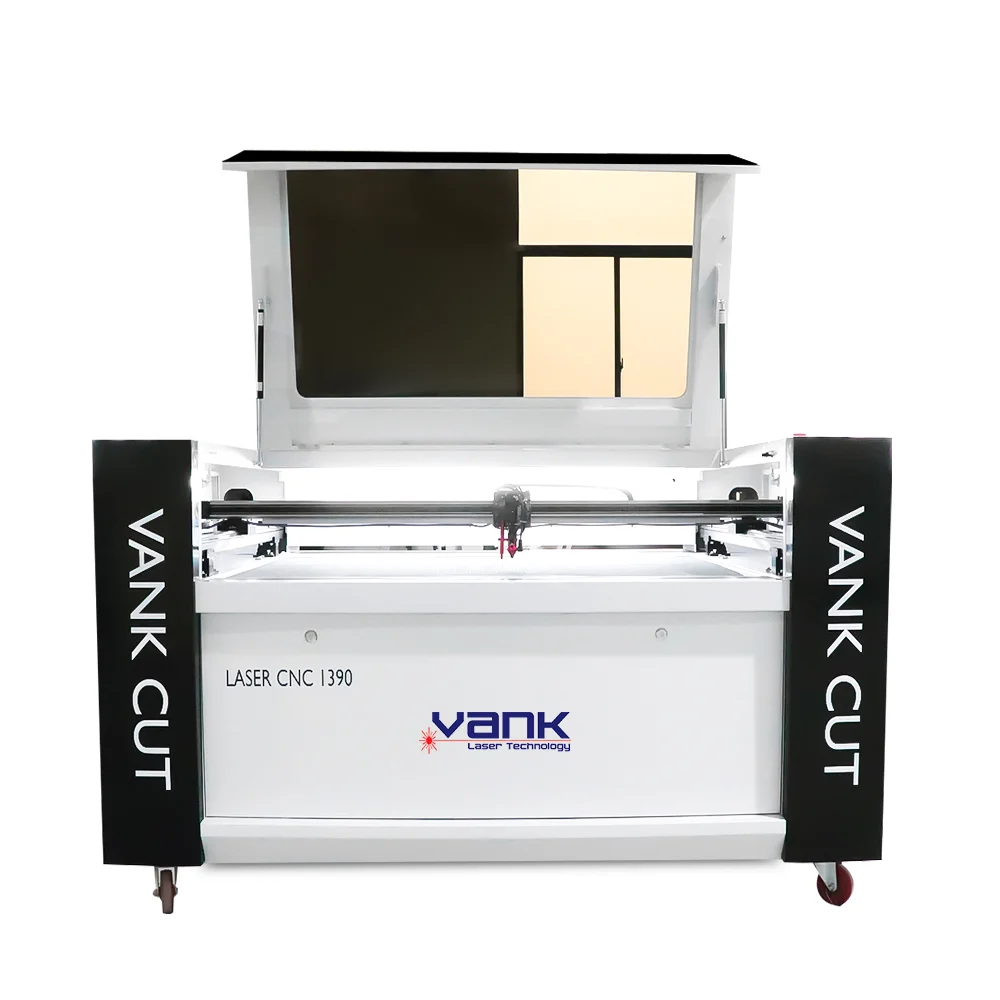
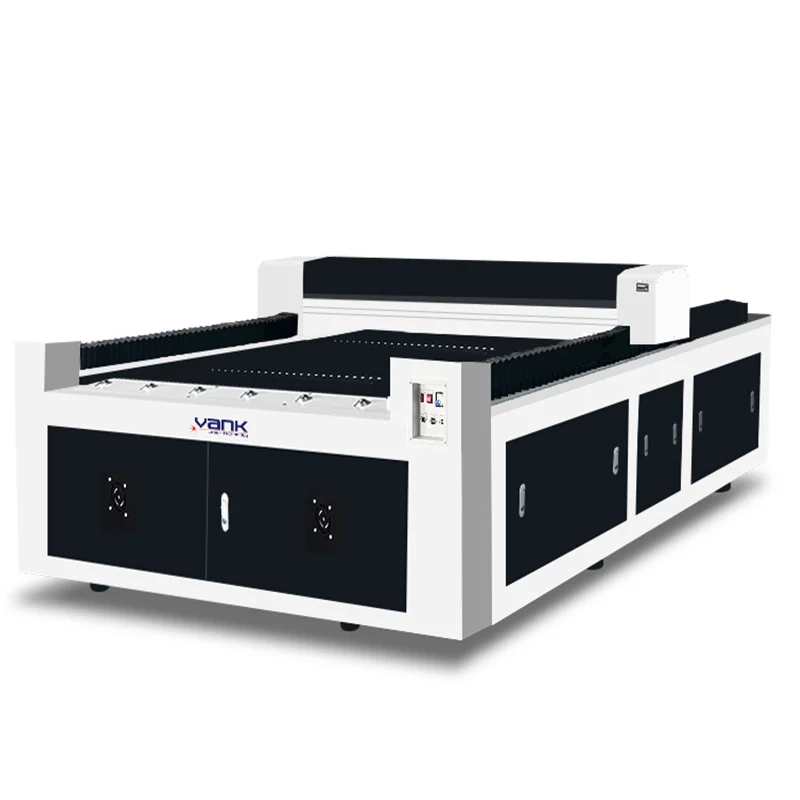
For general non-metal cutting and engraving, the 1490 CO2 лазерная гравировальная машина для резки provides a broader configuration range. Vank Laser lists 70W–300W CO2 laser power options, multiple working areas, honeycomb and knife blade platforms, Ruida controller, auto-focus, red dot pointer, emergency stop, and LightBurn compatibility on this product page.
For buyers who need a larger table or higher power for mixed production, the 1490, 1610, or 1325 CO2 machine directions can be compared according to material size and production requirements.
2. How to Select the Right Working Table Size
Working table size determines how large the material can be processed in one setup. A table that is too small causes repeated repositioning and lower efficiency. A table that is too large increases machine cost, shipping cost, floor space, and installation requirements.
Common table size selection logic:
| Working Area Direction | Suitable Use |
|---|---|
| 600×400 mm / 700×500 mm | Samples, gifts, labels, small engraving, compact workshops |
| 900×600 mm | Small signs, acrylic parts, leather, paper, craft work |
| 1300×900 mm / 1400×900 mm | General advertising, acrylic, wood, packaging, mixed workshop use |
| 1600×1000 mm | Larger non-metal parts, medium production, mixed material processing |
| 1300×2500 mm | Large acrylic sheets, MDF panels, display boards, advertising panels |
| Conveyor table | Roll fabric, textiles, leatherette, continuous cutting |
The High Speed CO2 model is more suitable for small-format work. The 1490 CO2 Laser Engraving Cutting Machine page lists larger optional working areas, including 900×600 mm, 1300×900 mm, 1600×1000 mm, and 1300×2500 mm. (Лазер Vank)
For buyers processing large advertising boards, acrylic sheets, MDF panels, or display materials, the CO2 Laser Engraving Cutting Machines for Advertising category is a suitable internal reference. It includes High Speed CO2 machines, 1490 CO2 machines, 1325 big platform CO2 machines, 1610 CO2 machines, mixed CO2 engraving cutting machines, and CCD camera visual CO2 cutting machines. (Лазер Vank)
3. Honeycomb Table, Knife Blade Table or Conveyor Table
The table structure should match the material and processing method. This part is often ignored by buyers, but it directly affects support, smoke removal, cutting marks, and loading efficiency.
Honeycomb Table
A honeycomb table is suitable for thin sheets, paper, leather, fabric sheets, small acrylic parts, labels, and engraving work. It supports small or flexible materials better and helps prevent small pieces from falling during cutting.
Таблица лезвий ножей
A knife blade table is suitable for acrylic, wood, MDF, plywood, and larger rigid sheet materials. It reduces contact between the workpiece and the table, which is useful for cutting thicker or harder materials.
Conveyor Table
A conveyor table is used for roll materials such as fabric, textile, leatherette, lace, soft signage, and non-woven fabric. It is usually combined with automatic feeding for continuous cutting.
For mixed sheet materials, a machine with both honeycomb and knife blade table options offers more flexibility. Vank Laser’s 1490 CO2 machine page lists honeycomb and knife blade platform options, which is useful for buyers who process more than one material type.
4. When to Add CCD Camera Positioning
A CCD camera is not required for every CO2 laser cutting machine. It should be selected when the cutting path needs to follow printed outlines, reference marks, irregular layouts, or repeated printed designs.
CCD camera positioning is useful for:
- printed labels;
- sublimation textile;
- printed acrylic panels;
- packaging samples with printed outlines;
- patches and badges;
- printed leather pieces;
- materials placed at different angles;
- repeated contour cutting jobs.
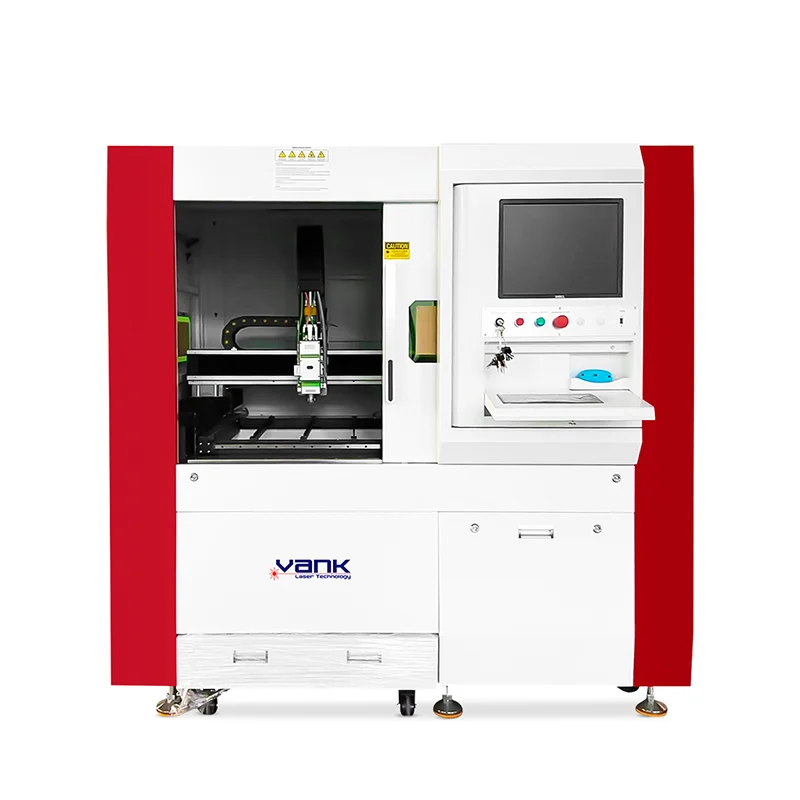
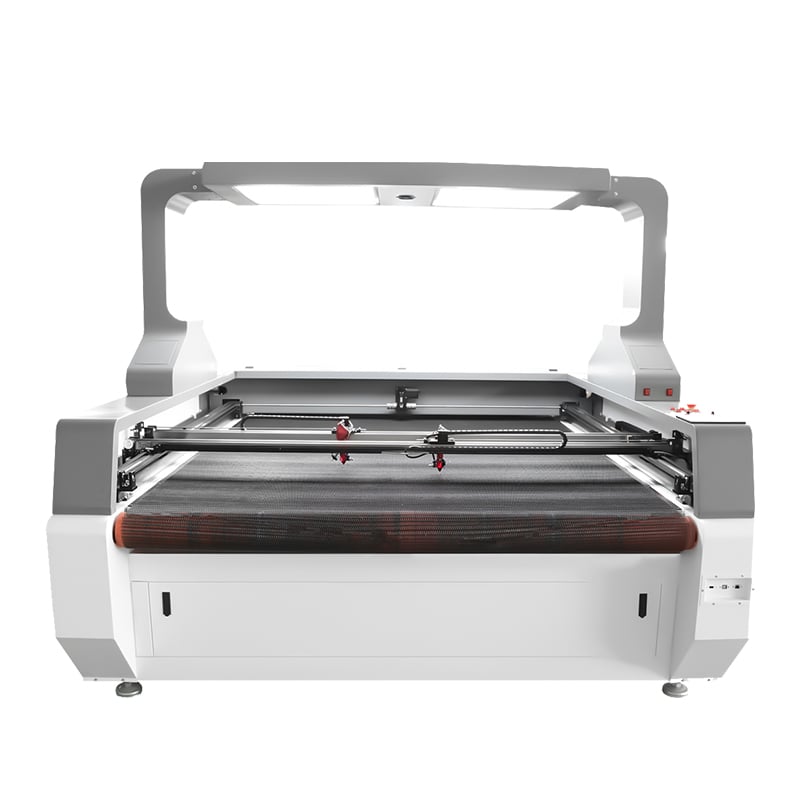
The CO2 Laser Cutting Machine with CCD Camera Visual is designed for accurate cutting and engraving of non-metal materials such as fabric, leather, acrylic, wood, paper, and plastic. Its CCD camera scans the working area, identifies reference marks or printed outlines, and improves positioning consistency for contour cutting.
This type of system is useful when manual alignment is slow or inconsistent. For blank acrylic sheets, plain MDF boards, standard wood panels, and simple engraving work, CCD positioning may not be necessary.
5. When Auto Feeding Is Needed
Auto feeding is mainly used for roll materials and continuous production. It is not a standard requirement for all CO2 laser machines.
Auto feeding is suitable when:
- the material is supplied in rolls;
- the buyer cuts fabric, textile, leatherette, lace, or soft signage;
- cutting length is longer than the machine table;
- production requires continuous loading;
- manual feeding affects efficiency;
- the material needs to be processed together with vision positioning.
For sheet acrylic, wood, MDF, paper board, and packaging samples, a fixed flatbed table is usually enough. For textile and roll material processing, an auto-feeding conveyor system is usually more practical.
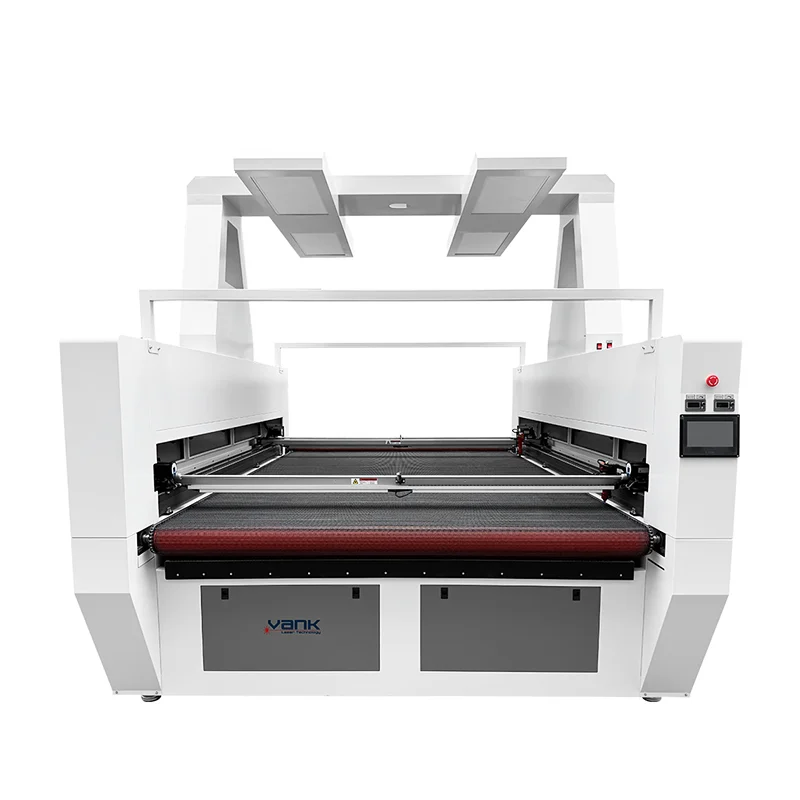
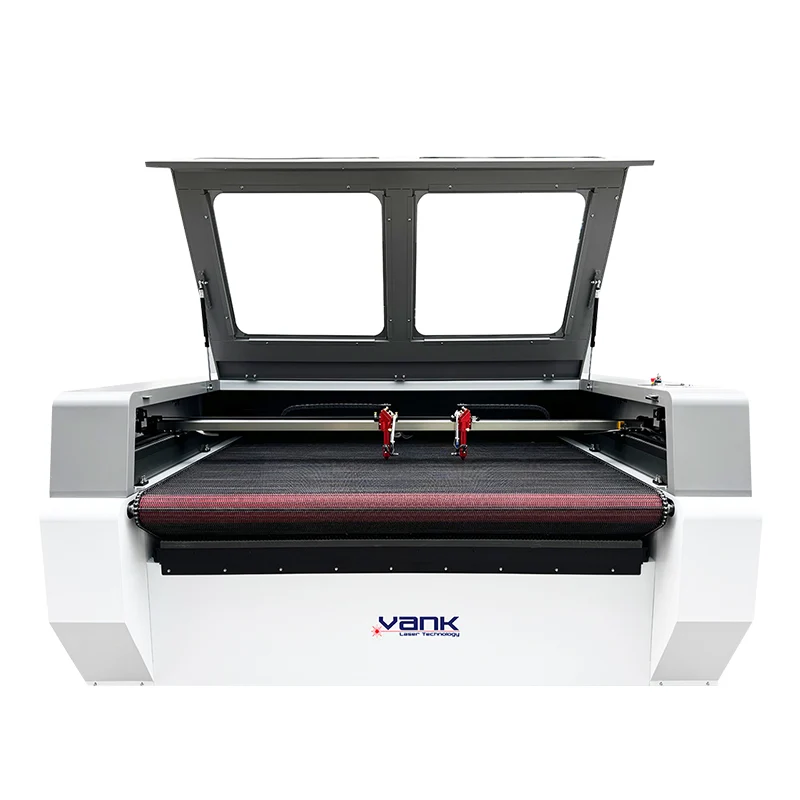
The CO2 Laser Fabric Cutter with Auto Feeding and Vision Camera is the more suitable direction for roll fabric, printed textile, sublimation sportswear, lace, soft signage, and contour cutting work. It is designed around feeding continuity and visual positioning rather than only flatbed sheet cutting.
6. Should Buyers Choose Dual Heads?
Dual-head CO2 laser machines can improve efficiency in some repeated cutting jobs, but they are not suitable for every production method.
Dual heads are useful when:
- the same pattern is repeated many times;
- the material layout allows two heads to work at the same time;
- batch production is stable;
- the cutting path is not too complex;
- the buyer wants higher output from the same table size.
Dual heads may not be necessary when:
- each job is different;
- patterns are irregular;
- production is mainly sampling;
- engraving detail is more important than output speed;
- the material layout does not allow two heads to work efficiently.
For repeated fabric, leather, acrylic, paper, or craft cutting, dual heads can be considered after confirming the layout and cutting quantity. For mixed, small-batch, or custom work, one stable head may be more practical.
7. Chiller, Exhaust Fan and Air Assist
A CO2 laser machine configuration is not only the main machine body. Cooling, exhaust, and air assist have a direct effect on cutting stability and long-term use.
Chiller
A water cooling system helps maintain laser tube stability. Buyers should check whether the chiller capacity matches the laser power and local working environment. For higher-power machines or long operating hours, a suitable chiller is important.
Exhaust Fan
Exhaust is especially important for wood, MDF, leather, acrylic, rubber, and coated materials. Poor smoke removal can affect cutting edges, lens cleanliness, workshop environment, and machine maintenance.
Air Assist
Air assist helps reduce smoke, control burning, protect the lens, and improve cutting quality. It is useful for acrylic, wood, paper, leather, and many other materials.
When comparing quotations, buyers should check whether the chiller, exhaust fan, air pump, pipe connection, and related accessories are included. A lower main machine price may not include the same supporting configuration.
8. Controller, Software and File Compatibility
The control system affects daily operation, file import, parameter setting, and cutting stability. Buyers should confirm whether the machine can match their current design workflow.
Important points include:
- controller type;
- supported file formats;
- software compatibility;
- online and offline working;
- language interface;
- parameter control;
- LightBurn compatibility;
- operation training and remote support.
For example, Vank Laser’s 1490 CO2 Laser Engraving Cutting Machine lists a Ruida digital controller, USB interface, online/offline working, English language system, adjustable cutting speed and power, and LightBurn compatibility.
The CCD camera CO2 laser cutting machine also lists DSP control and common file format support, which is useful for buyers handling printed graphics, outlines, and contour cutting work.
9. Safety and Operation Details Buyers Should Check
Safety details are also part of machine configuration. Buyers should check whether the machine includes practical safety and operation features, especially for daily production environments.
Useful features include:
- emergency stop button;
- red dot pointer;
- auto-focus;
- auto-shutdown safety feature;
- stable water cooling;
- enclosed or semi-enclosed design when needed;
- proper grounding and voltage matching;
- clear operation manual and training support.
The 1490 CO2 product page lists emergency stop, auto-shutdown safety feature, red dot pointer, and auto-focus among its configuration details.
These details may seem small, but they affect daily operation, maintenance, and user confidence after installation.
10. Recommended Vank Laser Product Directions
Different buyers can compare Vank Laser product directions according to configuration requirements:
| Configuration Requirement | Suitable Product Direction |
|---|---|
| Small-format engraving, samples, paper, leather, small acrylic, craft work | Высокоскоростной CO2 лазерный гравировальный станок для резки |
| General non-metal cutting and engraving, acrylic, wood, leather, packaging, advertising work | 1490 CO2 лазерная гравировальная машина для резки |
| Medium and larger mixed cutting and engraving work | 1610 CO2 лазерная гравировальная машина для резки |
| Large acrylic sheets, MDF panels, display boards, advertising materials | CO2 Laser Engraving Cutting Machines for Advertising |
| Printed labels, printed acrylic, contour cutting, reference mark recognition | CO2 Laser Cutting Machine with CCD Camera Visual |
| Roll fabric, printed textile, lace, soft signage, continuous cutting | CO2 Laser Fabric Cutter with Auto Feeding and Vision Camera |
This structure keeps the article focused on configuration while still guiding readers to relevant product pages.
11. What Buyers Should Send for a Configuration Recommendation
To recommend a suitable CO2 laser machine configuration, the supplier needs clear production information. Buyers should prepare the following details before requesting a quotation:
| Information Needed | Example |
|---|---|
| Main material | acrylic, MDF, plywood, fabric, leather, paper, rubber |
| Material form | sheet, roll, panel, flexible material, printed material |
| Material thickness | 3 mm acrylic, 6 mm MDF, 2 mm leather |
| Maximum material size | 1220×2440 mm sheet, 1600 mm roll fabric |
| Main process | cutting, engraving, marking, contour cutting |
| Production volume | samples, small batch, daily production, continuous production |
| Table requirement | fixed table, honeycomb table, knife blade table, conveyor table |
| Positioning requirement | blank cutting, printed outline cutting, reference mark recognition |
| Required options | CCD camera, auto feeding, dual heads, rotary device, auto focus |
| Destination country | voltage, plug, shipping, packing, documentation |
For sheet materials, buyers should provide material size and thickness.
For roll materials, buyers should provide roll width, material tension, and cutting length.
For printed materials, buyers should provide sample photos and explain whether the machine needs to follow printed outlines.
ЧАСТО ЗАДАВАЕМЫЕ ВОПРОСЫ
What CO2 laser power should I choose?
The suitable power depends on material type, thickness, cutting speed, and engraving requirement. Small engraving work may use lower power, while thicker acrylic, MDF, or production cutting usually requires higher power and a suitable cooling system.
Is higher laser power always better?
No. Higher power can help with thicker materials, but it is not always better for fine engraving, thin materials, paper, leather, or fabric. Stable output, beam quality, motion control, and correct parameters are also important.
What table size is suitable for a CO2 laser engraving cutting machine?
The table size should match the maximum material size and product layout. Small-format machines are suitable for samples and craft work. Medium-format machines are suitable for general workshops. Large-format machines are used for large sheets, panels, and display materials.
What is the difference between honeycomb table and knife blade table?
A honeycomb table supports thin, flexible, and small materials better. A knife blade table is more suitable for acrylic, wood, MDF, plywood, and larger rigid sheet materials.
When does a CO2 laser machine need a CCD camera?
A CCD camera is recommended for printed outlines, labels, patches, sublimation textile, printed acrylic panels, packaging samples, and other contour cutting work. It is usually not necessary for simple blank sheet cutting.
When is auto feeding necessary?
Auto feeding is useful for roll materials such as fabric, textile, leatherette, lace, soft signage, and non-woven fabric. It helps support continuous cutting and reduces manual loading.
Are dual heads necessary for every buyer?
No. Dual heads are useful for repeated patterns and batch production, but they may not be suitable for custom jobs, irregular layouts, or mainly engraving work.
What should buyers check besides laser power and table size?
Buyers should also check the chiller, exhaust fan, air assist, controller, software compatibility, guide rails, lens and mirrors, safety features, spare parts, and after-sales support.
How to Confirm the Right Configuration Before Ordering
A practical CO2 laser engraving cutting machine configuration should be based on real production requirements. Laser power should match material thickness and cutting demand. Working table size should match the largest material size. Table structure should match sheet, roll, rigid, or flexible materials. CCD camera positioning should be selected for printed outline cutting. Auto feeding should be considered for roll materials and continuous production.
For a more accurate recommendation, buyers can send material type, thickness, maximum size, material form, sample photos, production volume, destination country, and required options such as CCD camera, auto feeding, dual heads, rotary device, auto focus, honeycomb table, knife blade table, or conveyor table.