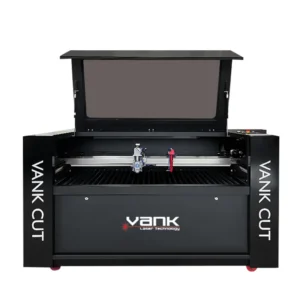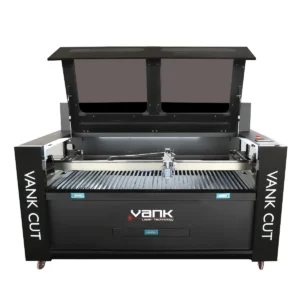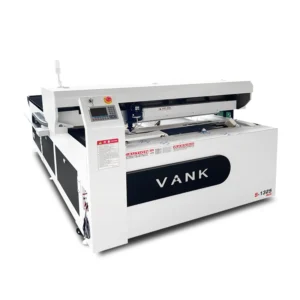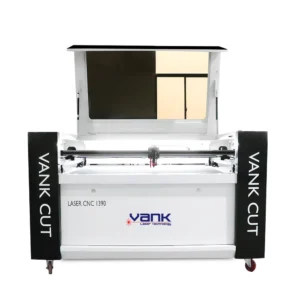




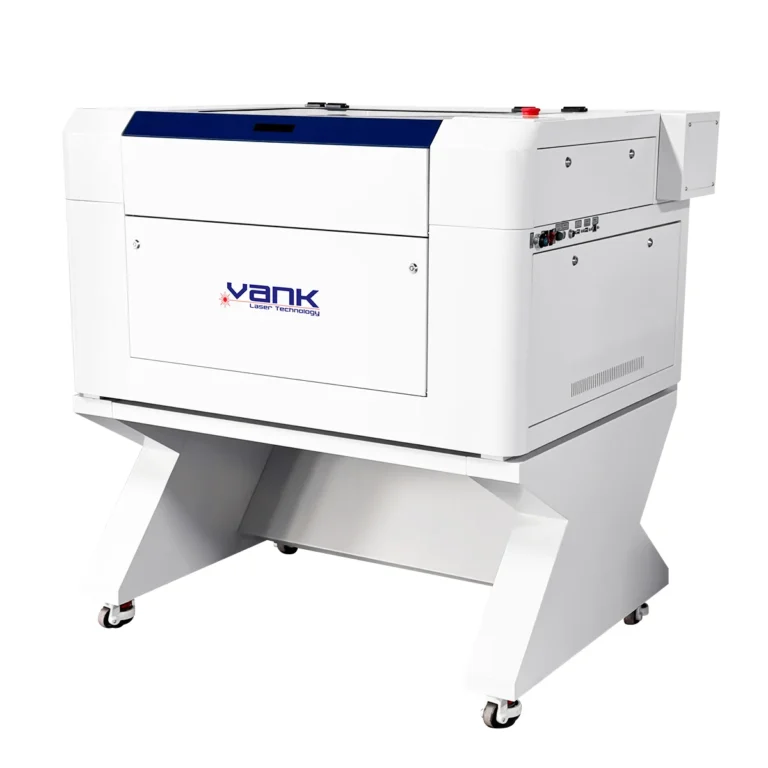
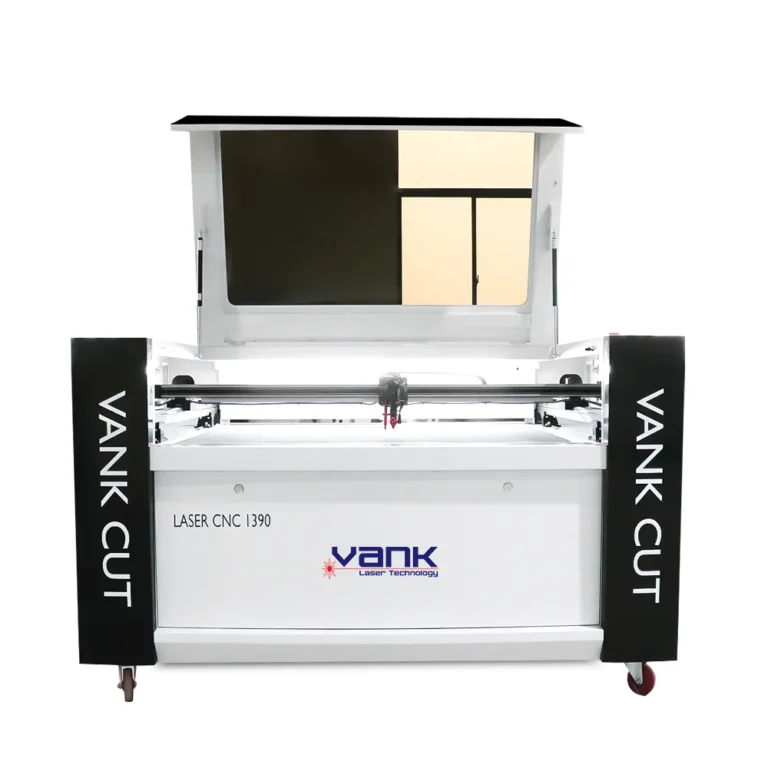
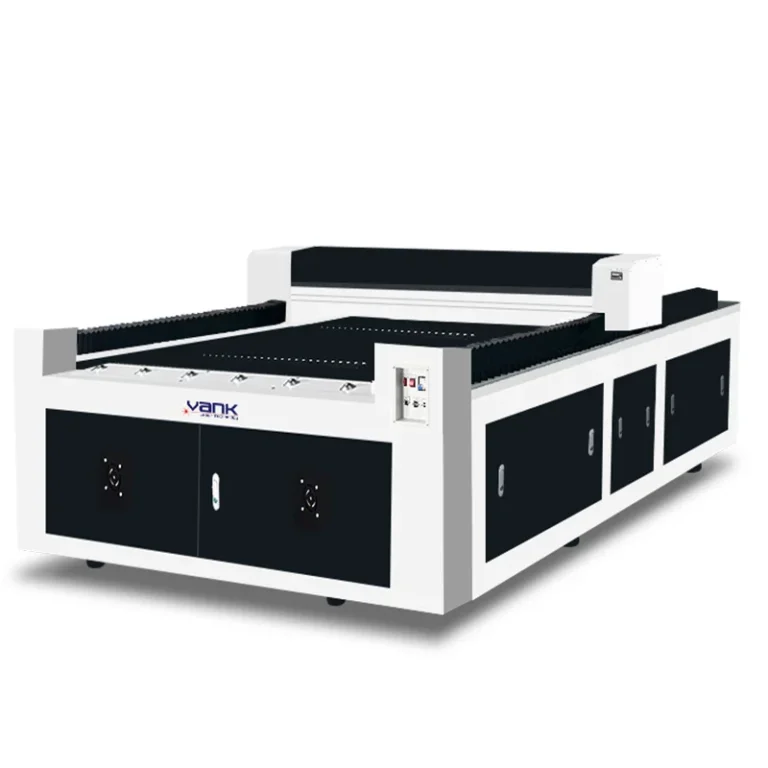
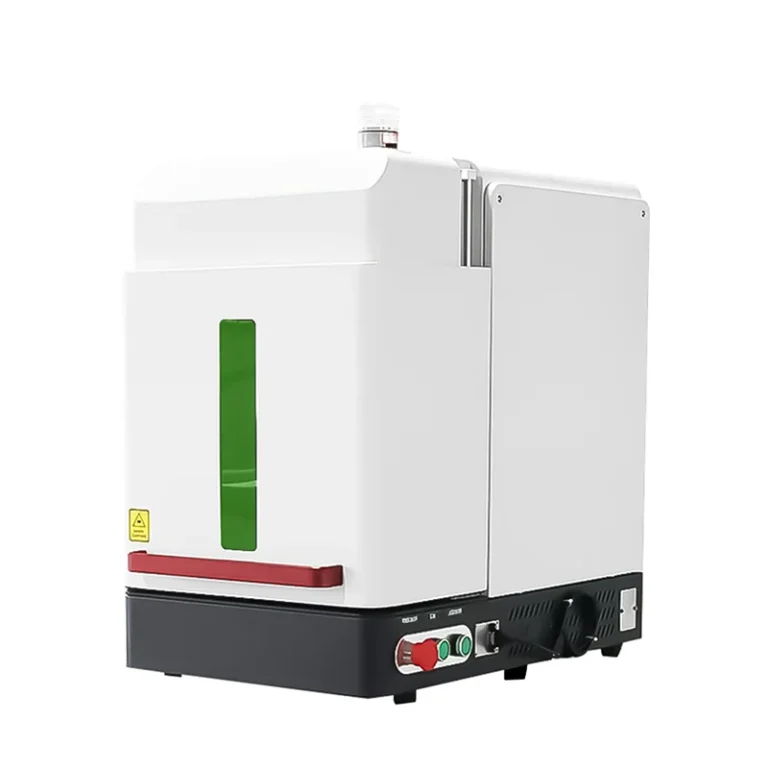
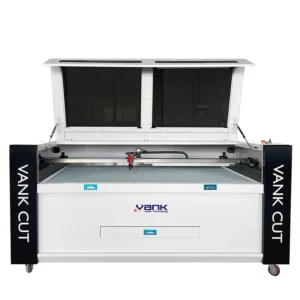
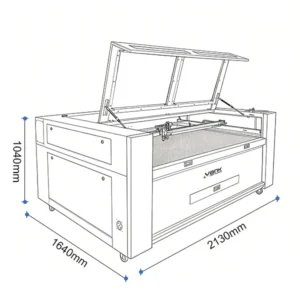
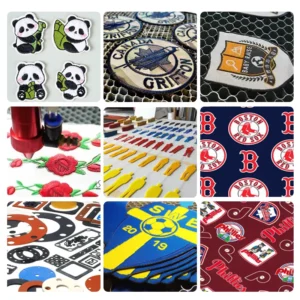
Application and model selection
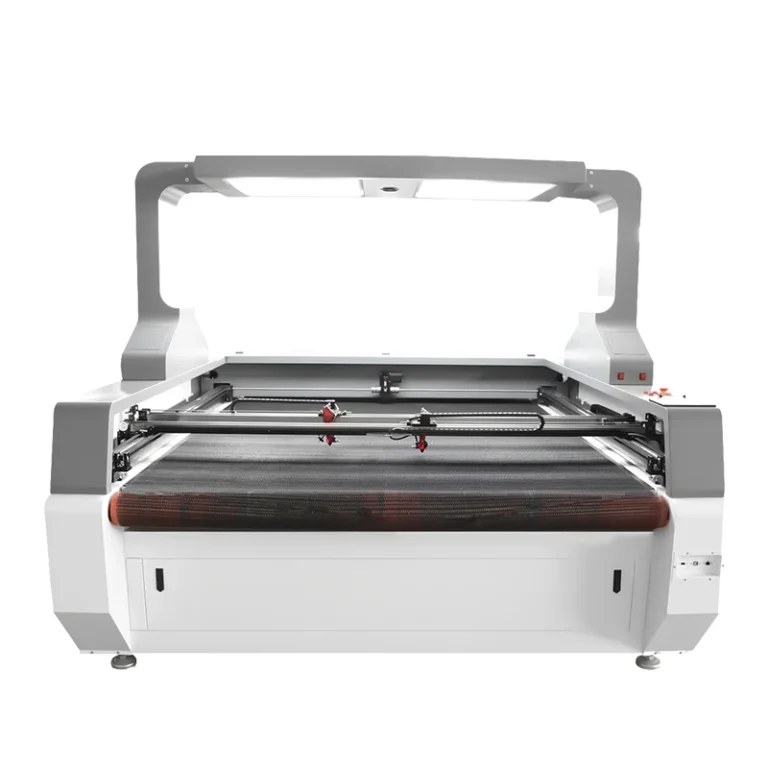
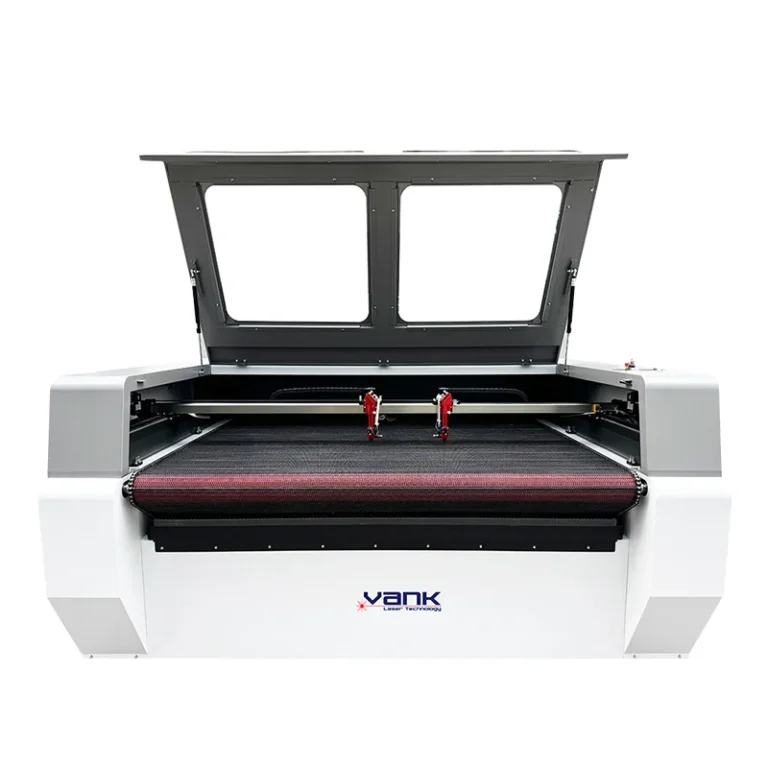
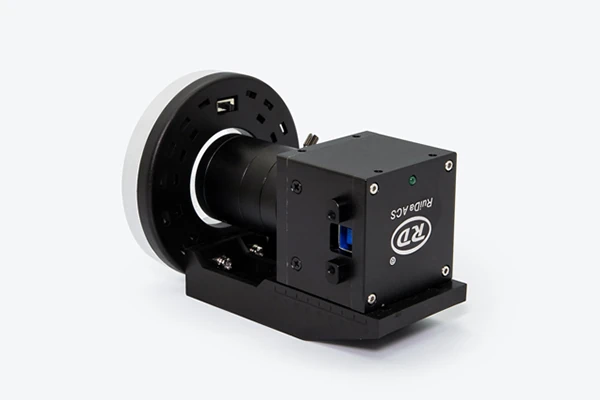
Choose the working area and camera coverage together. The vision software must recognize your print contrast, rotations and distortion, then apply a calibrated contour offset. Standard vector cutting and camera recognition are separate workflows. The CCD family includes multiple bed sizes; this is not automatically a conveyor-fed fabric machine.
Configuration and specifications
| Parameter | Product configuration |
|---|---|
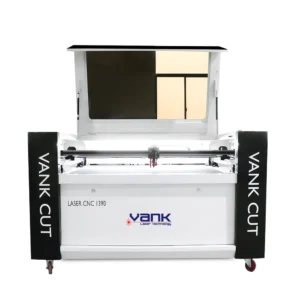
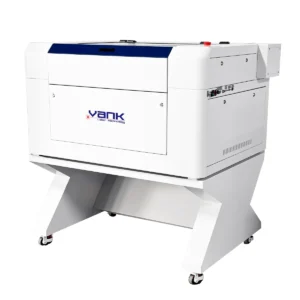
| Model / format | 9060CCD / 1390CCD / 1490CCD / 1610CCD / 1325CCD |
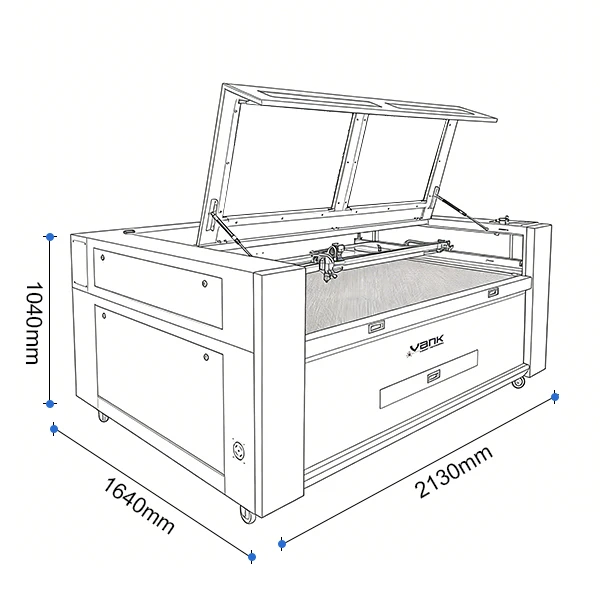
| Nominal working area | 900 × 600 / 1300 × 900 / 1400 × 900 / 1600 × 1000 / 1300 × 2500 mm |
| Laser power options | 80 / 100 / 130 / 150 W |
| Laser source | Water-cooled sealed CO2 glass tube |
| Nominal wavelength | 10.6 µm |
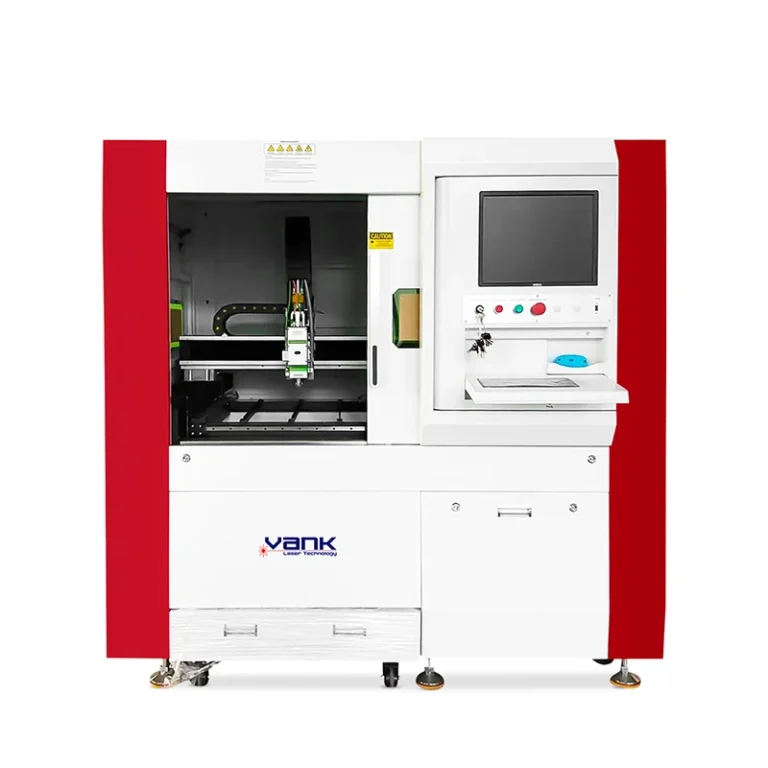
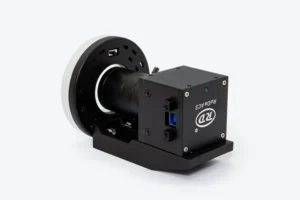
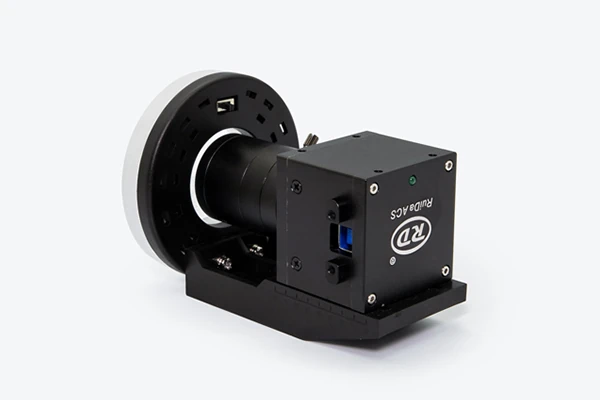
| Vision system | Matched camera, lens, lighting and recognition software |
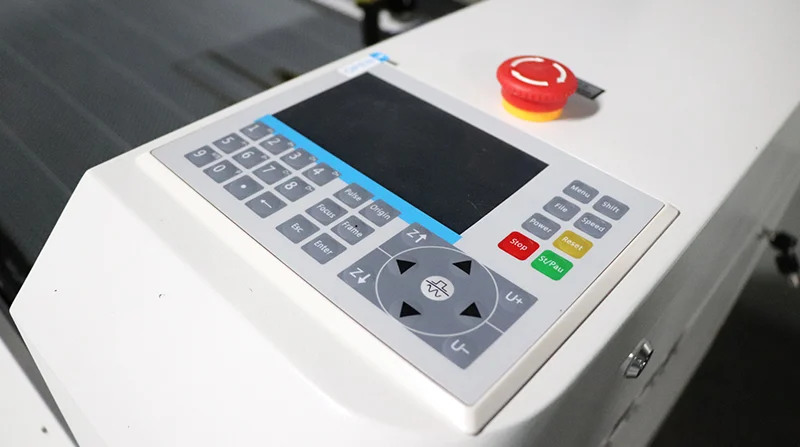
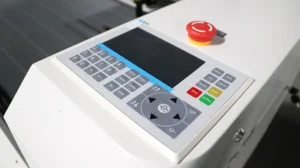
| Controller / software | Ruida laser control plus supplied vision software |
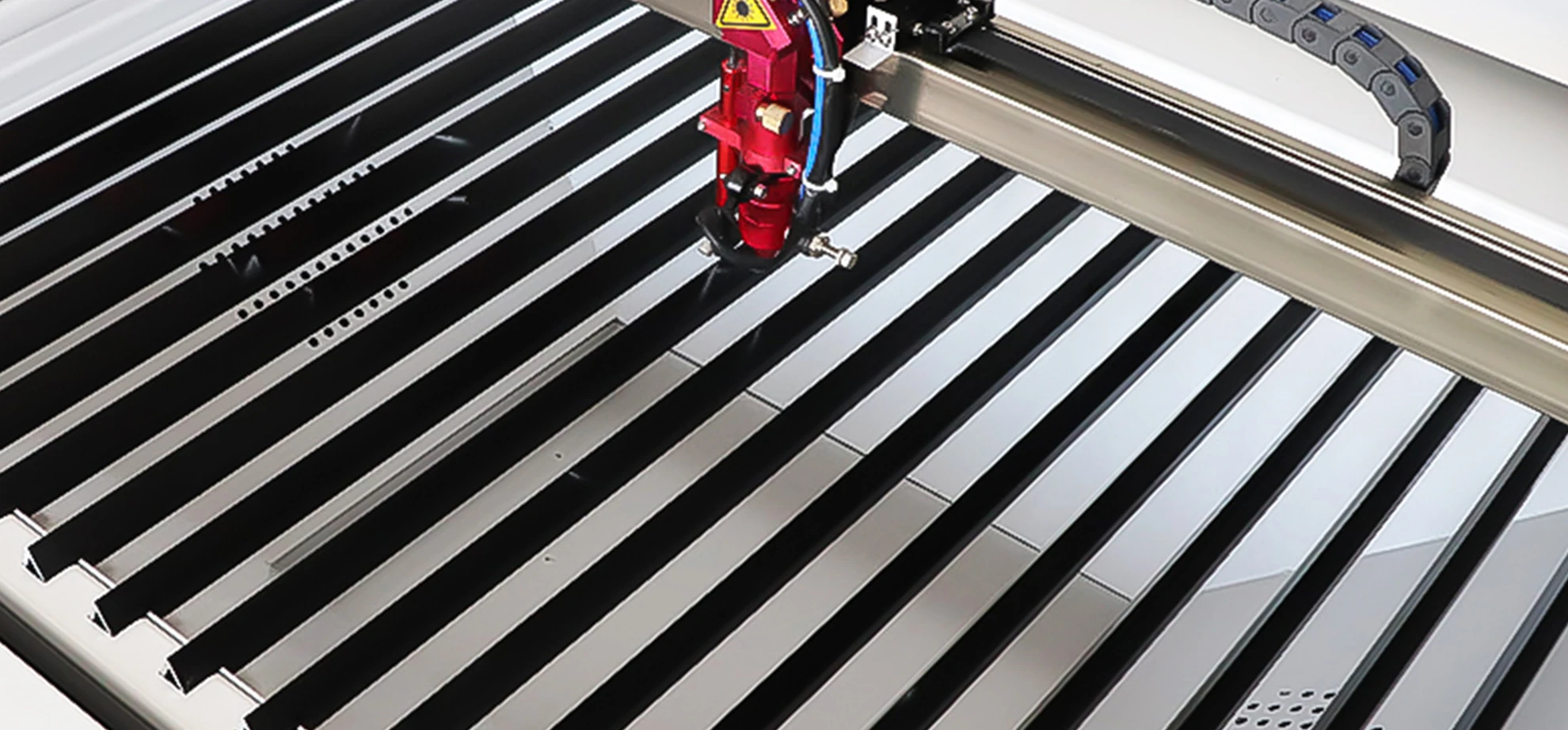
| Worktable | Knife-blade or honeycomb options |
| Cooling | Industrial water chiller matched to source power |
The values below identify this product and its listed options. The selected source, optics, controller, accessories and site utilities must be named in the quotation. Motion speed and positioning figures do not establish finished-part tolerance or production throughput.
Materials and process limits
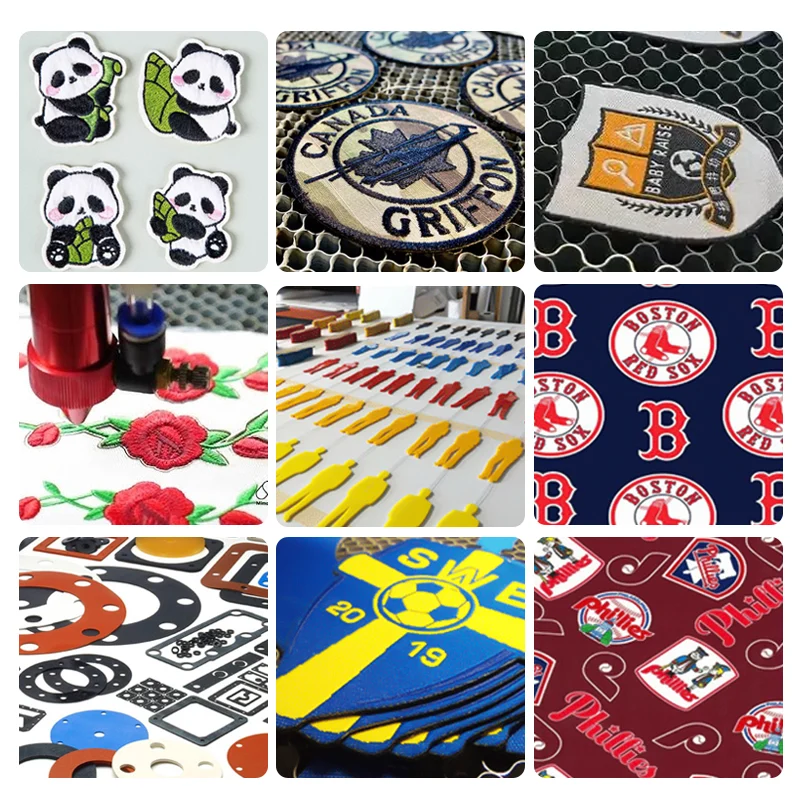
Acrylic, wood, plywood, MDF, paper and cardboard are common cutting and engraving candidates. Approved textiles, natural leather and laser-grade rubber require composition and sample checks. Glass, ceramic, stone and coated metal are surface-marking applications; this standard CO2 platform does not cut bare metal.
Identify the exact material, coating and adhesive before testing. Do not laser-process PVC, vinyl, PTFE, other halogen-containing materials or unidentified composites. Use material-specific extraction and continuous supervision during cutting.
Production workflow
Prepare the artwork in the supplied control software, check scale and processing order, then set focus and test the material. Ruida DSP configurations commonly use RDWorks; LightBurn compatibility requires the exact supported controller, firmware and license. Camera recognition, where fitted, uses its matched vision workflow. Keep the original machine settings and lens data backed up.
Options to specify
Choose honeycomb support for thin flexible material or knife blades for rigid sheets. A motorized Z table and rotary fixture must provide enough clearance for the actual part. Tube power, focal length, cooling, air assist and extraction should be selected together. Current LightBurn releases support Windows and macOS; Linux requires an older supported release.
Plan suitable guarding, interlocks, emergency stops, extraction and operator training for the supplied laser system. The finished machine classification must be verified; an enclosure alone is not proof of Class 1 compliance. Follow the supplied operating and maintenance instructions.
Sample test and acceptance
Approve a representative sample and the written configuration before ordering. Record the material, source, settings, lens or nozzle, fixture, appearance, dimensions and complete cycle time. Keep those results as the production acceptance reference.
Cutting thickness and speed
Use your actual material and drawing to agree the thickness, edge finish, kerf and cycle time. Tube rating alone is insufficient: density, resin, moisture, focus, air assist and acceptable charring all affect the result. A maximum separation cut is different from repeatable production cutting.
Installation, service and documentation
Ask Vank Laser to include the machine layout, electrical requirements, supplied software, operating instructions, maintenance schedule and recommended spare parts in the technical proposal. Agree commissioning, operator training, support language, warranty coverage and service responsibilities before shipment. Request conformity documents for the actual machine and destination.
Request a sample test and quotation
Provide material composition, sheet size, thickness range, artwork, required edge or engraving finish and parts per shift.
Send the destination country, installation voltage and required delivery scope with your inquiry. Ask for sample photos or video, measured results and a configuration-specific quotation.
Request a sample test and configuration quote
Compare related machines
Machine and component photos
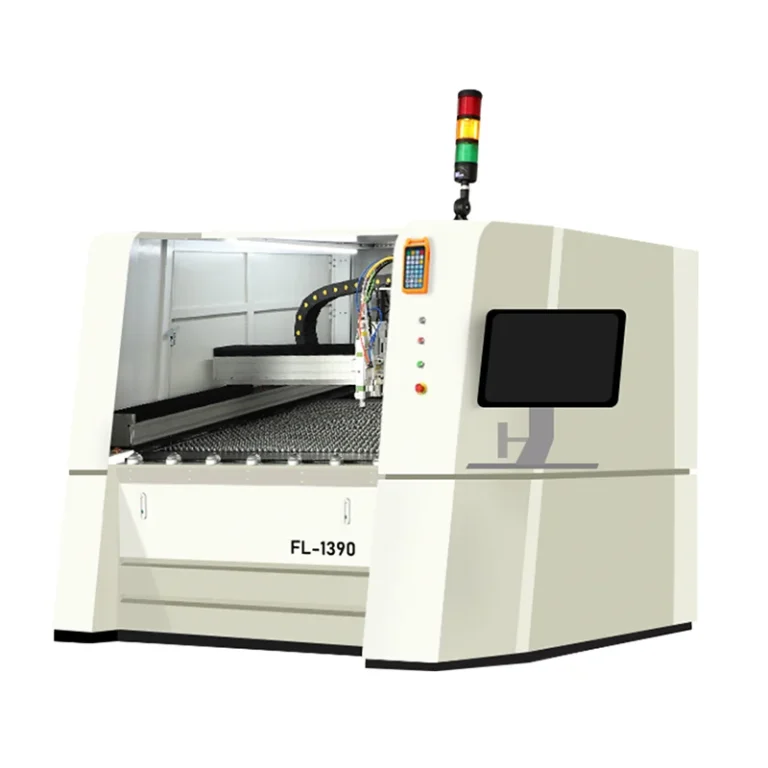
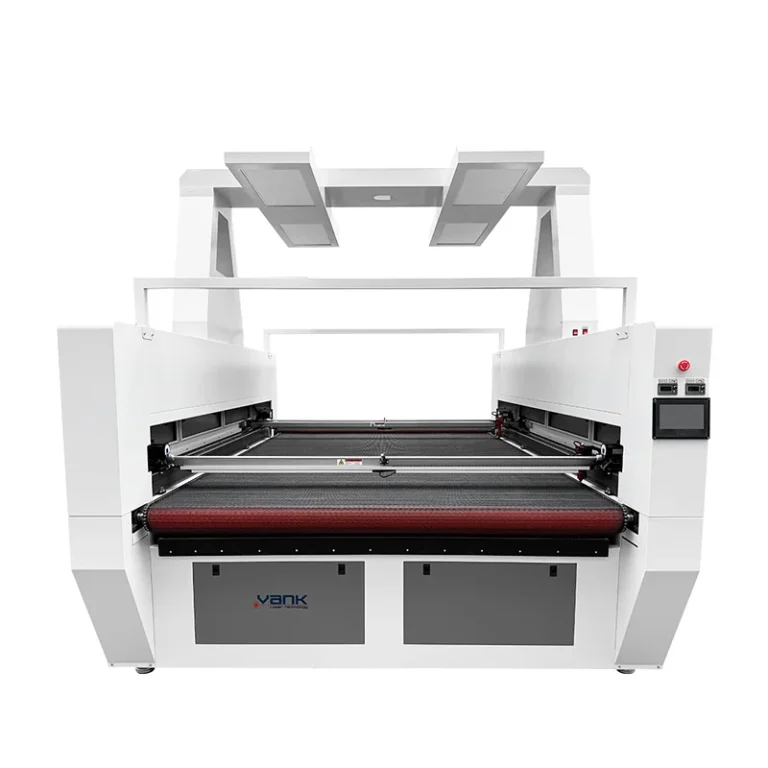
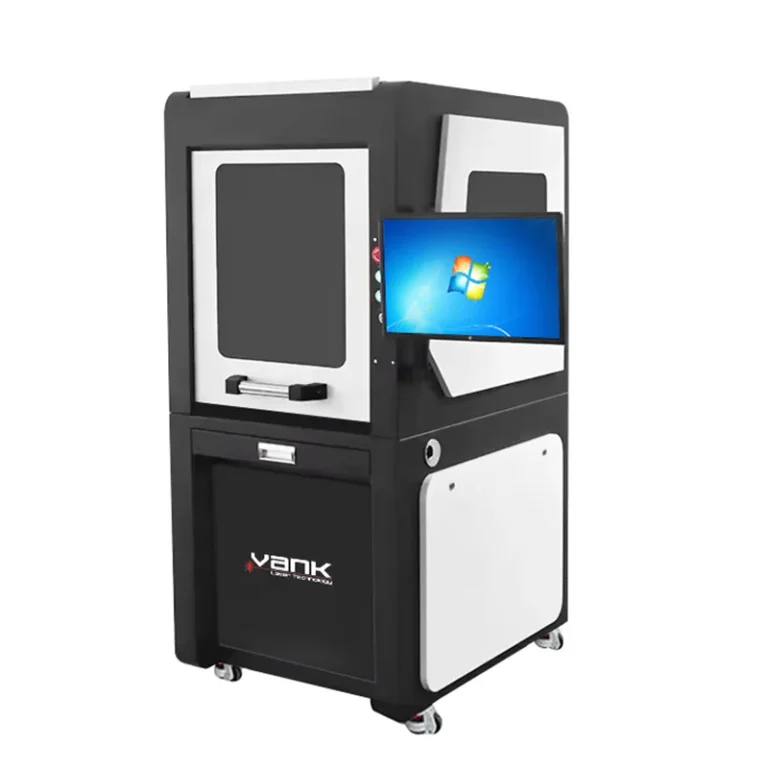
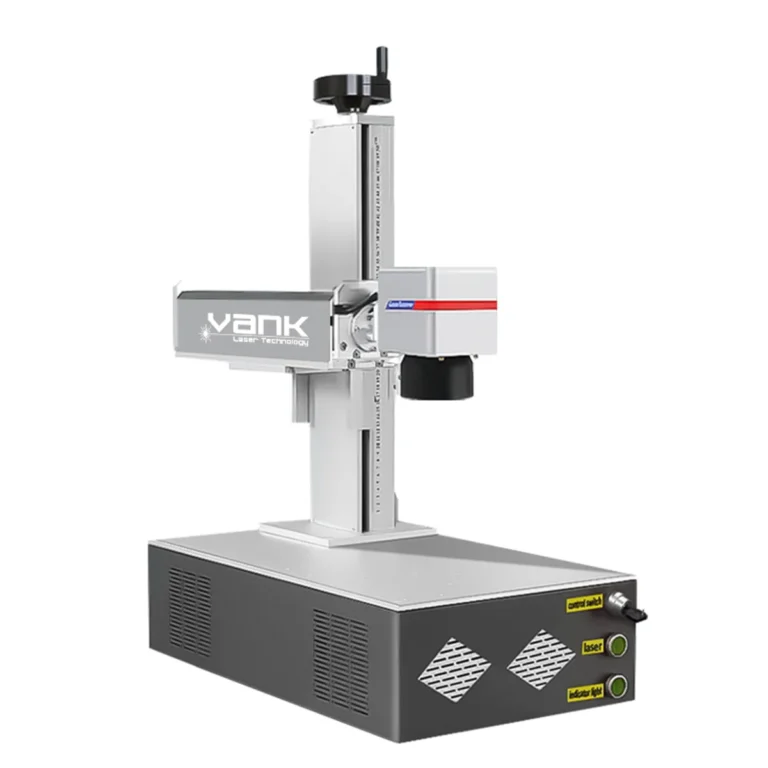
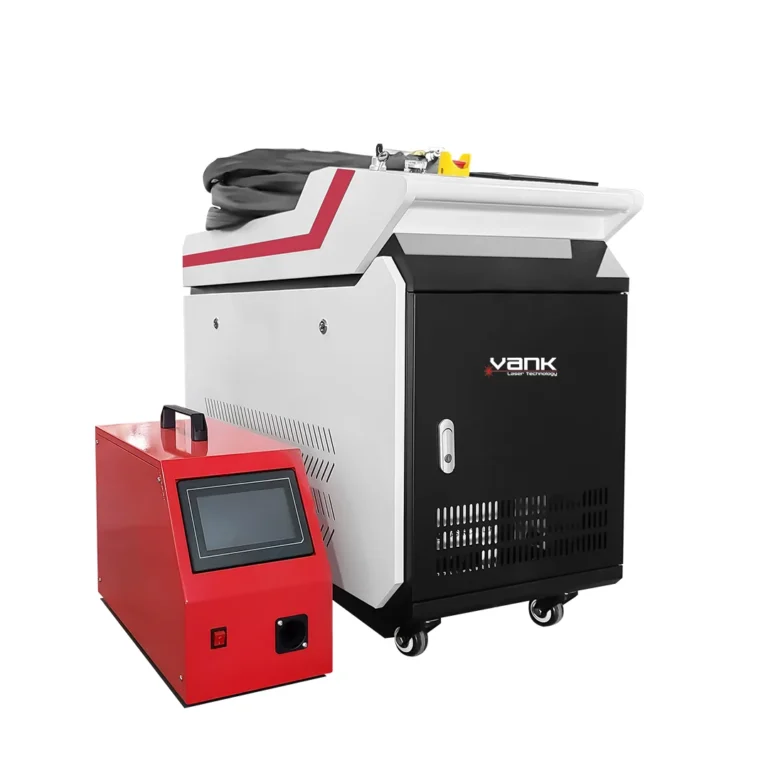
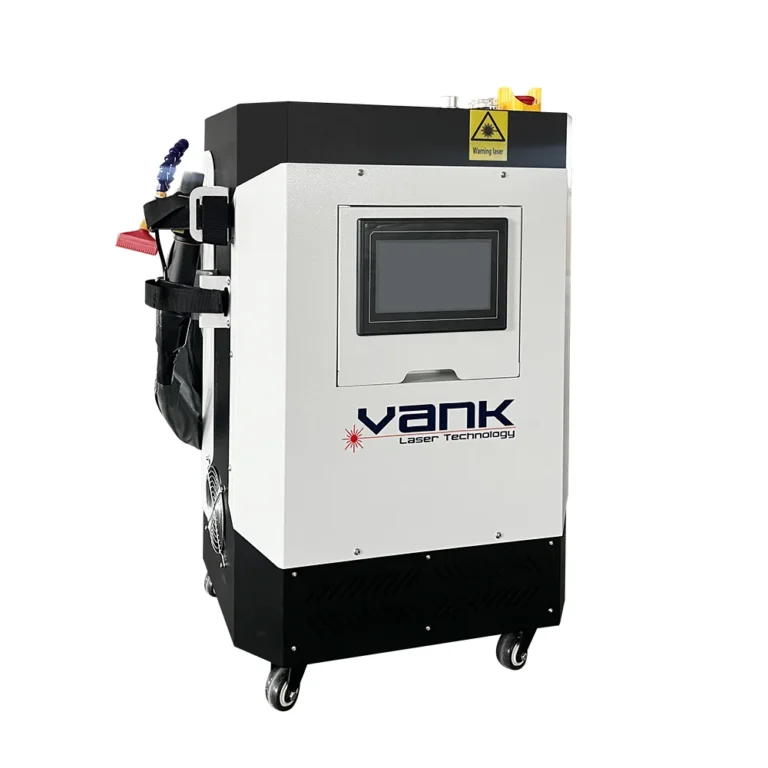
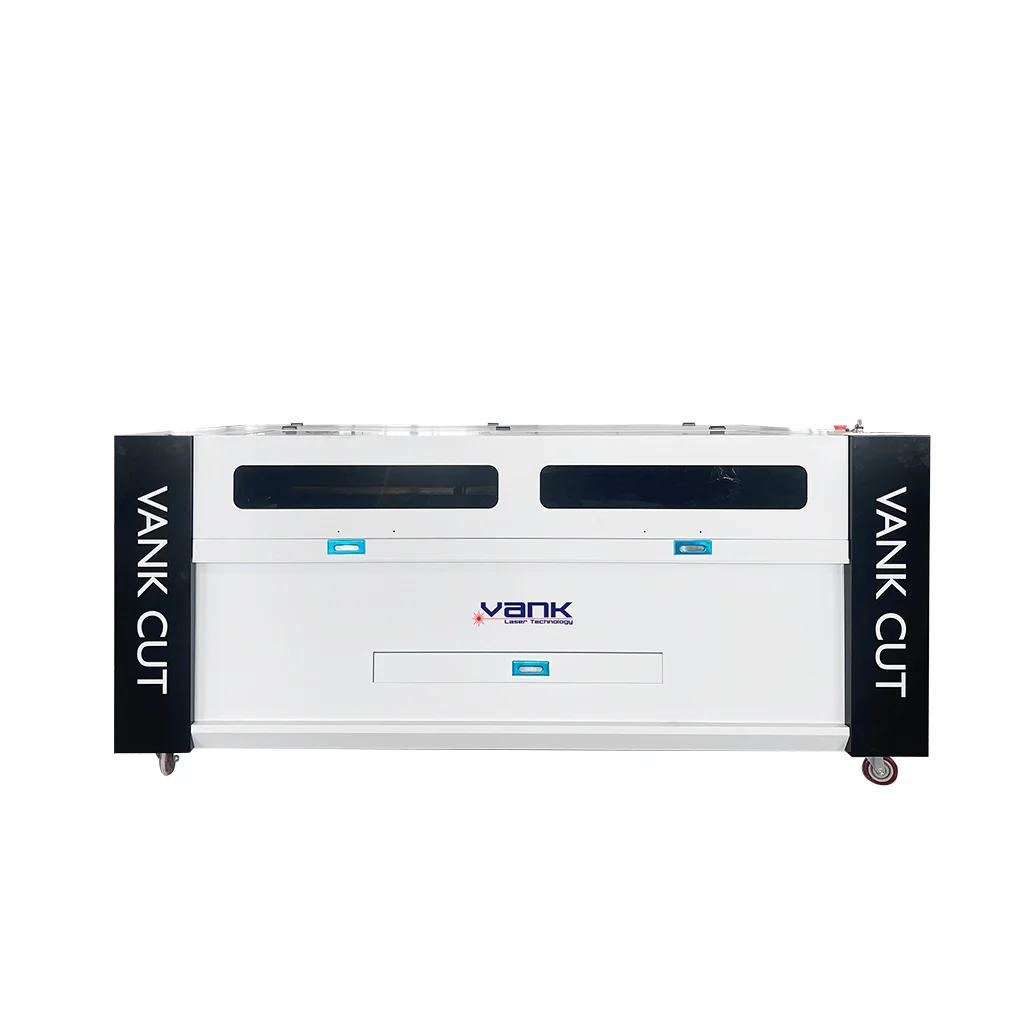
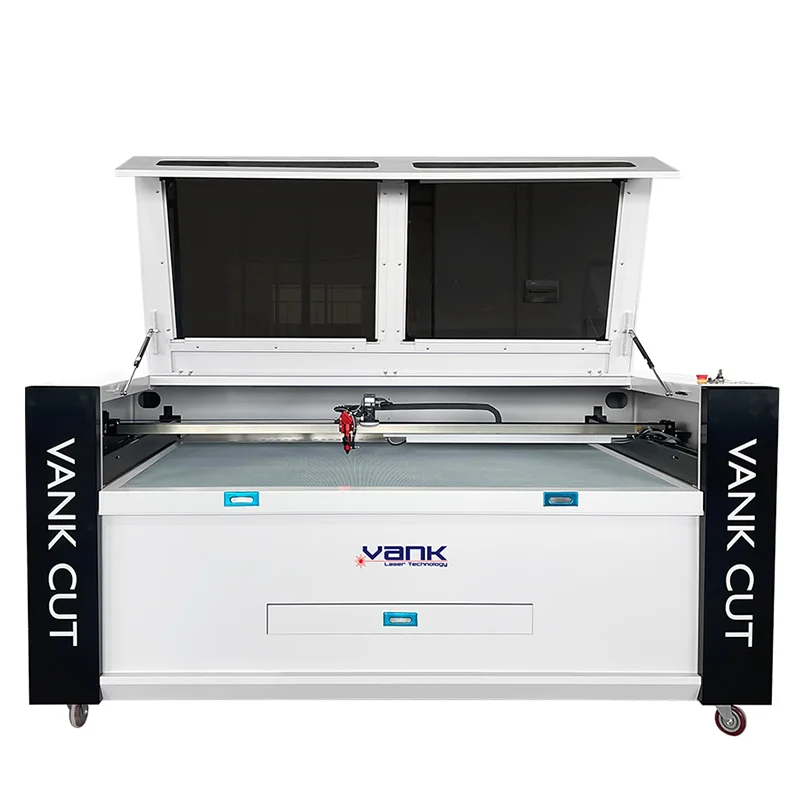
Photos illustrate the product or component family. Included brands, accessories and configuration are defined in the approved quotation.
Product videos
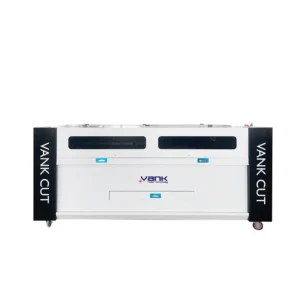
Vank product-family demonstration. The machine shown may have a different power or optional equipment; confirm the configuration for your order.