

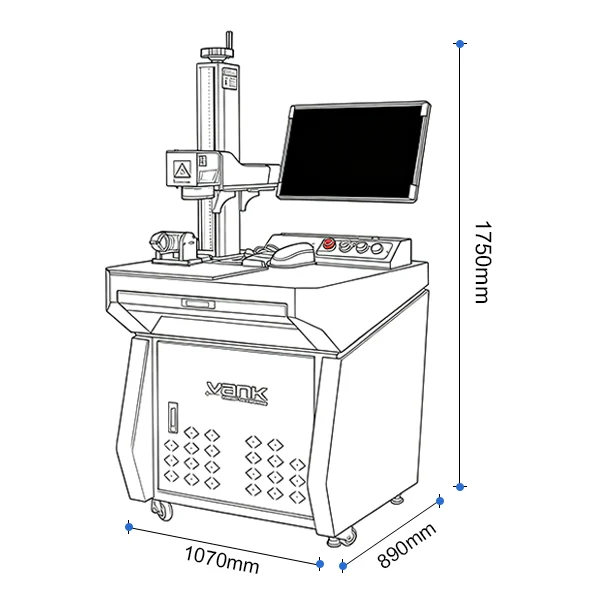
HomeProductsLaser Marking Machines for JewelryDesktop Fiber Laser Marking Machine, 30-100 W
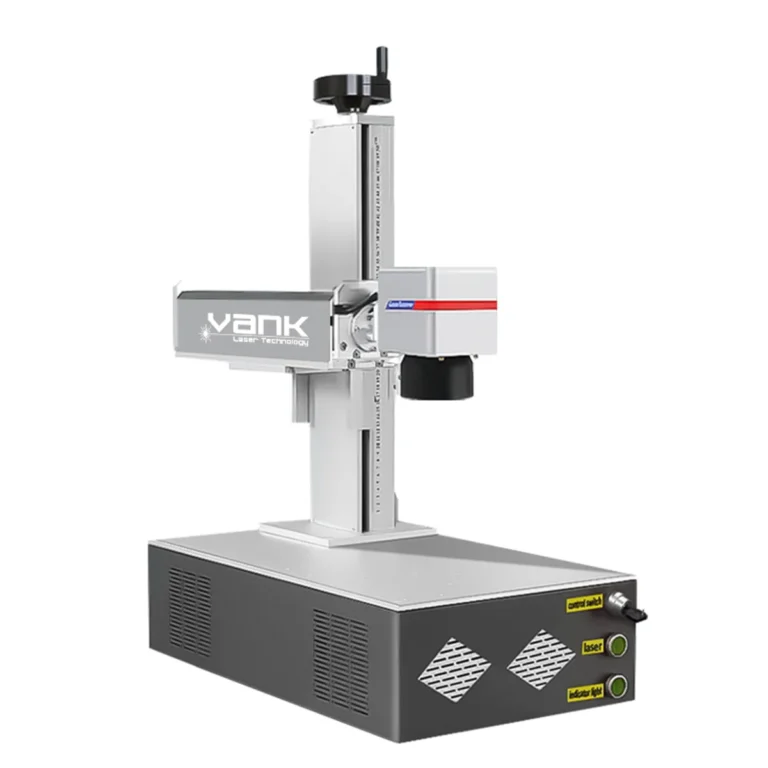
Desktop Fiber Laser Marking Machine, 30-100 W

Desktop Fiber Laser Marking Machine, 30-100 W

Laser Marking Machines for Jewelry

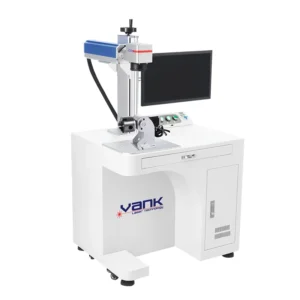
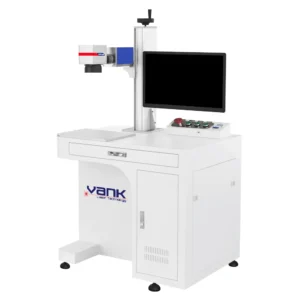
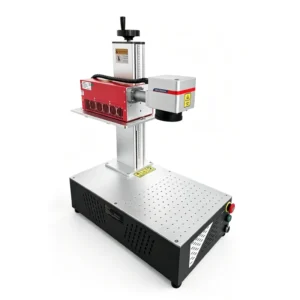
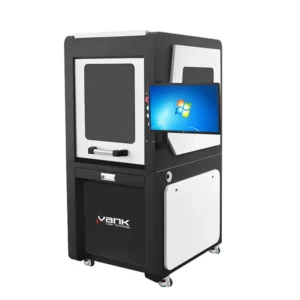
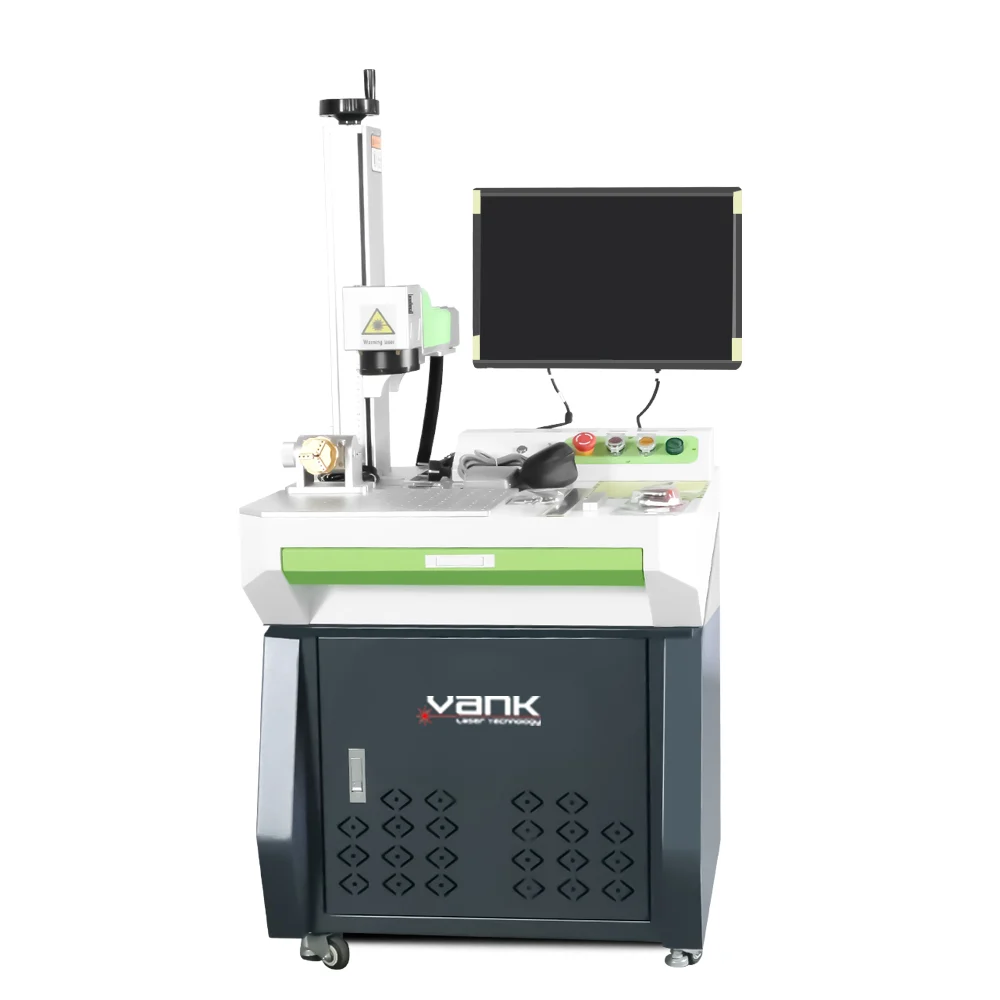
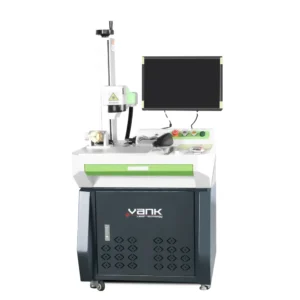
Desktop 1064 nm fiber laser marking machine for permanent codes, logos, serial numbers and controlled engraving on metals and compatible plastics. Available with 30-100 W Q-switched or MOPA sources, multiple field lenses, rotary fixtures and supported EZCAD2/LightBurn Pro workflows. Send parts and marking requirements for sample testing and configuration.

Share:

Enter password to download our product information Contact sales@vanklaser.com

Product Description

Desktop Fiber Laser Marking Machine Applications

  • Electronics and Components: Add serial numbers, Data Matrix codes, logos and traceability marks to metal housings, connectors and suitable engineering plastics after material testing.
  • Jewelry and Watchmaking: Create fine text, patterns and personalized marks on gold, silver, stainless steel, brass and titanium. Deep engraving and color effects depend on source type and process development.
  • Medical and Precision Instruments: Mark stainless-steel tools and components for identification and traceability. Each regulated application requires validated parameters, cleaning and compliance procedures.
  • Industrial Parts and Tools: Apply part numbers, scales, logos and wear-resistant identifiers to steel, aluminum, carbide and coated-metal components.
  • Automotive and Aerospace Supply: Produce repeatable traceability marks on qualified metal and polymer parts without mechanical contact. Material and quality requirements must be confirmed by sample testing.
  • Nameplates, Gifts and Promotional Products: Mark coated metals, anodized aluminum, stainless steel and selected plastics for tags, plates, drinkware and customized products. This system is intended for surface marking and controlled engraving, not general sheet-metal cutting.

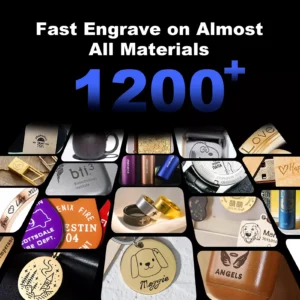
Desktop fiber laser marking machine application overview

Technical Specifications

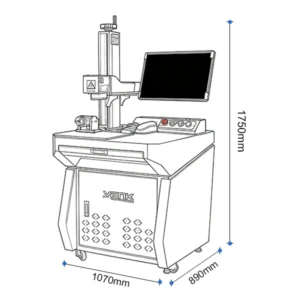
ModelDesktop Fiber Laser Marking Machine
Rated Optical Power30 W / 50 W / 60 W / 70 W / 100 W; availability depends on the selected source
Center WavelengthNominal 1064 nm; source dependent
Pulse Repetition FrequencySource dependent; confirm the selected laser-source datasheet
Pulse WidthSource dependent; MOPA sources provide a wider adjustable pulse-width range
Expected Laser-Source LifeOperating conditions and source dependent; confirm warranty and rated-life terms in the quotation
Laser Safety ClassificationOpen systems are typically Class 4; confirm the final machine label, enclosure and regional requirements
Marking Area75 × 75 mm / 110 × 110 mm / 150 × 150 mm / 175 × 175 mm / 200 × 200 mm / 300 × 300 mm; lens dependent
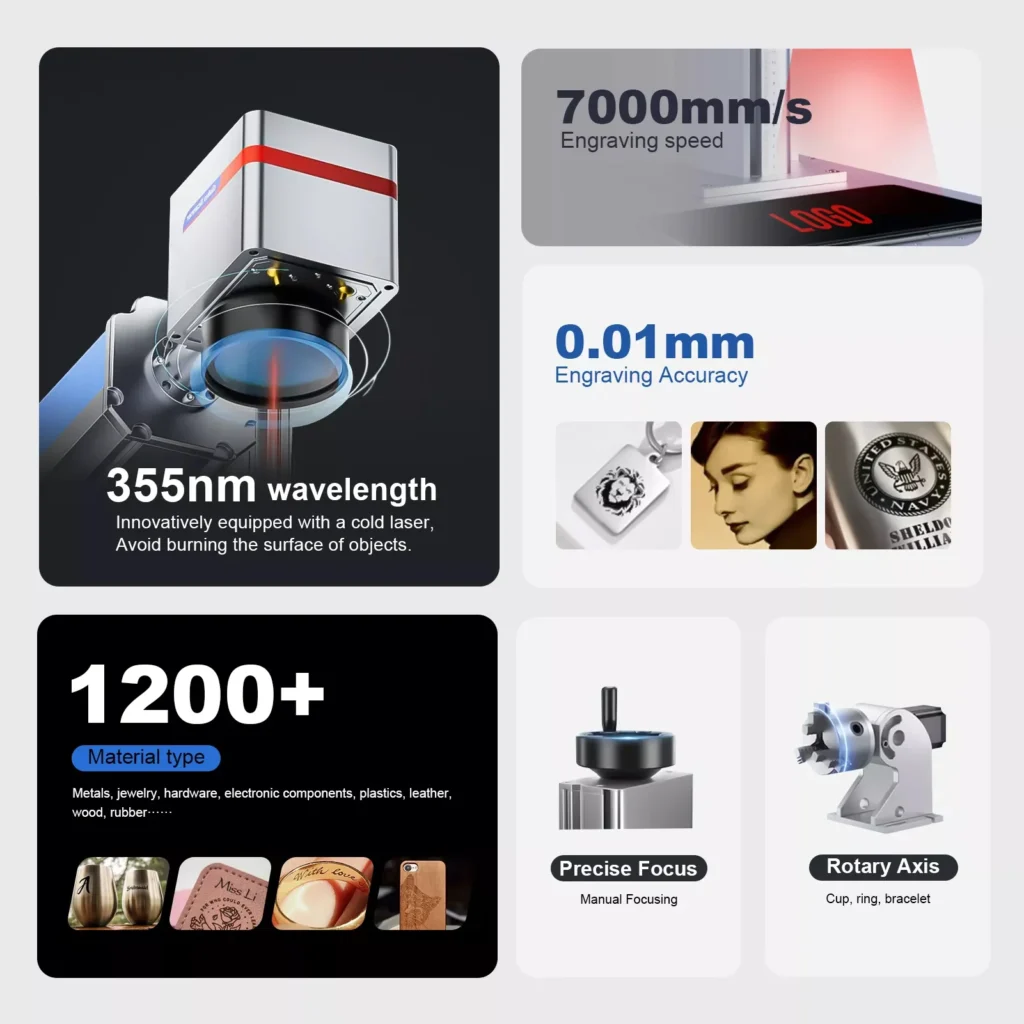
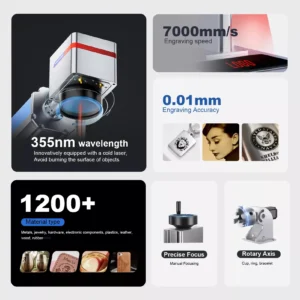
Maximum Marking SpeedUp to 7,000 mm/s; galvo, lens, artwork and marking-recipe dependent
Maximum Engraving DepthMaterial, source, lens, hatch, power and number-of-pass dependent; confirm by sample engraving
Marking Resolution and ToleranceApplication, lens and field-calibration dependent; define acceptance criteria with sample parts
RepeatabilityFixture, focus, field calibration and part-placement dependent; confirm by acceptance test
Minimum Markable Font SizeApplication dependent; confirm character legibility with the selected field lens
Minimum Line WidthApplication dependent; confirm with sample marking and inspection requirements
Power Supply VoltageAC 110 V or 220 V, 50/60 Hz; regional configuration by quotation
Cooling ModeAir Cooling
Control SoftwareEZCAD2; optional LightBurn Pro workflow on supported JCZ/EZCAD hardware
Supported Operating SystemsEZCAD2 on supported Windows systems; LightBurn support depends on the current software version and controller
Supported File FormatsCommon vector and bitmap formats including DXF, AI, SVG, PLT, BMP, JPG and PNG; confirm the software workflow
Operating EnvironmentClean, dry and ventilated installation; maintain the source, controller and optics within their specified limits
Fume ExtractionRequired and sized for the marked material, coating and production process
Final ConfigurationLaser source, field lens, galvo, controller, computer, fixtures and safety options confirmed by quotation

Marking Samples and Material Compatibility

Applicable Materials
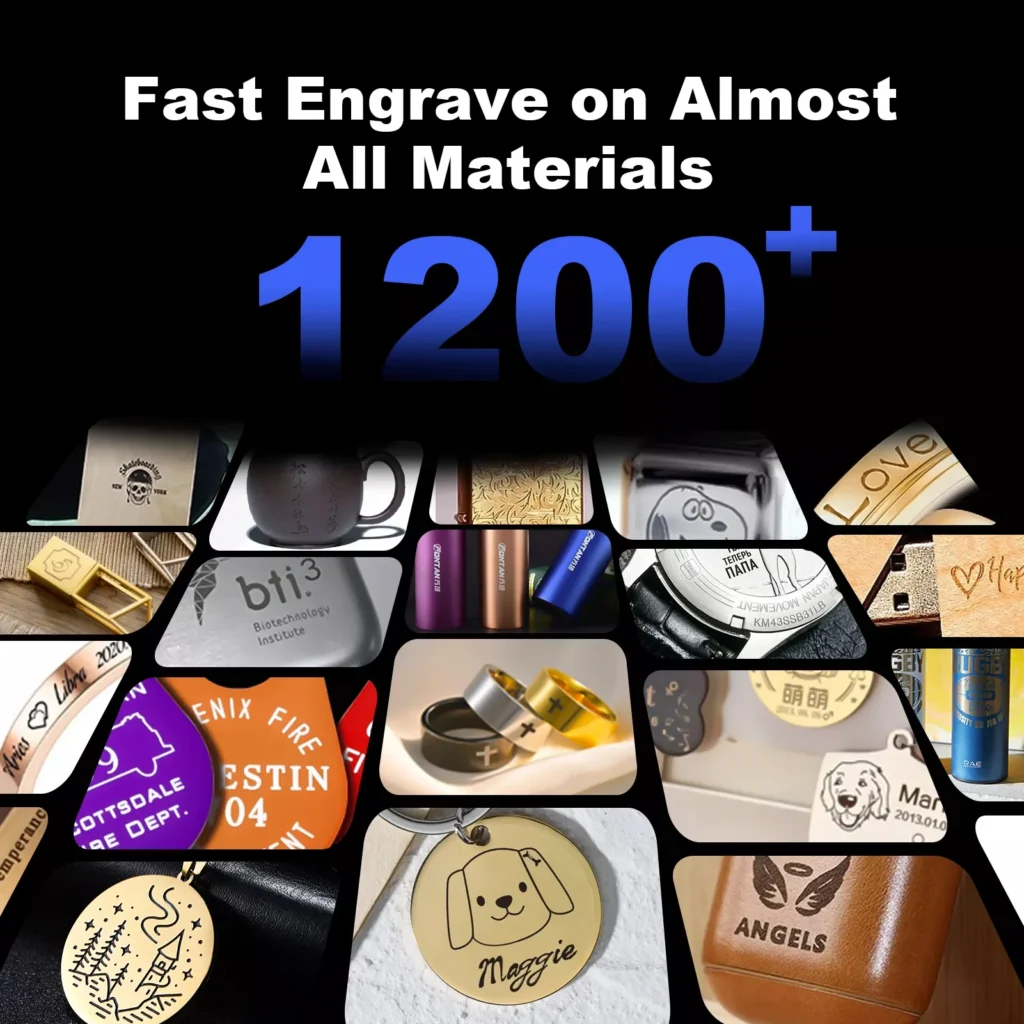
Best-suited materials include steel, stainless steel, aluminum, anodized aluminum, brass, copper, titanium, carbide and many coated metals. Some engineering plastics and ceramics can also be marked when their absorption, additives and required contrast are compatible with 1064 nm processing. Organic materials, transparent glass and stone vary widely and must be evaluated with representative samples. An open desktop marker is typically a Class 4 system with hazardous invisible and reflected radiation; trained operation, suitable guarding or an interlocked enclosure, required protective measures and correctly sized fume extraction are essential.

Typical Industries

Common uses include industrial part identification, electrical components, automotive and motorcycle parts, tools, plumbing hardware, jewelry, watchmaking, eyewear, gifts, nameplates and other workflows requiring durable text, logos, barcodes or Data Matrix codes.

Fiber laser marking sample on metal
Metal Marking
Personalized metal pet nameplate marking
Dog Nameplate Marking
Serial number and scale marking on tools
Tool Marking
Fiber laser marking on a coated phone case
Mobile Phone Case Marking
Application-tested marking on a leather bag
Leather Bag Marking
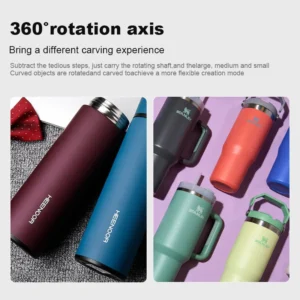
Logo marking on a stainless-steel tumbler
Stainless Steel Cup Marking
Fiber laser marking sample on aluminum
Aluminum
Fine laser engraving sample on gold
Gold
Fine laser engraving sample on silver
Silver
Fiber laser marking sample on brass
Brass
Fiber laser marking sample on titanium
Titanium
Fiber laser marking on stainless steel
Stainless Steel (SS)
Fiber laser marking sample on copper
Copper
Fine laser marking sample on platinum
Platinum
Fiber laser marking sample on iron
Iron
Application-tested laser marking on tile
Tile
Fiber laser marking sample on tungsten
Tungsten
Fiber laser marking on carbon steel
Carbon Steel (CS)
Application-tested marking on silicone plastic
Silicone Plastic
Application-tested marking on colored acrylic
Colored Acrylic
Application-tested laser marking on leather
Leather
Application-tested surface marking on stone
Stone
Application-tested surface marking on granite
Granite
Application-tested surface marking on marble
Marble

Machine Components and Software

EZCAD2 fiber laser marking software workflow

EZCAD2 Control with Optional LightBurn Pro Workflow

The machine uses a JCZ/EZCAD-compatible galvo controller and is supplied with its machine-specific configuration and calibration files. LightBurn Pro can control supported EZCAD-based galvo devices after the correct driver and configuration are installed; compatibility must be confirmed for the selected controller and software version.

Red-light frame preview for marking position

Red-Light Frame Preview

Outer-contour preview for part alignment

Contour Preview and Part Positioning

Selectable fiber laser source for desktop marker

Laser Source

Raycus, MAX, IPG and JPT sources can be evaluated according to power, pulse characteristics, material and application requirements. Q-switched and MOPA configurations have different frequency and pulse-width ranges; the exact source model and datasheet must be listed in the quotation.

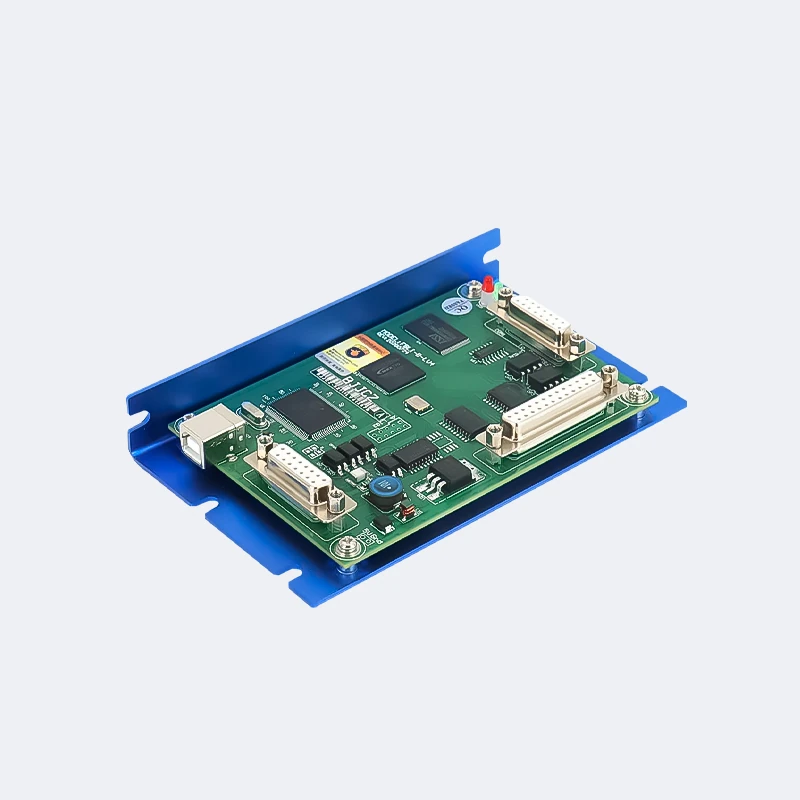
JCZ galvo laser control board

JCZ Galvo Control Board

The controller coordinates the laser source, galvo scanner, red-light preview and external I/O. Board model, software version, drivers and machine-specific configuration files are supplied according to the confirmed configuration.

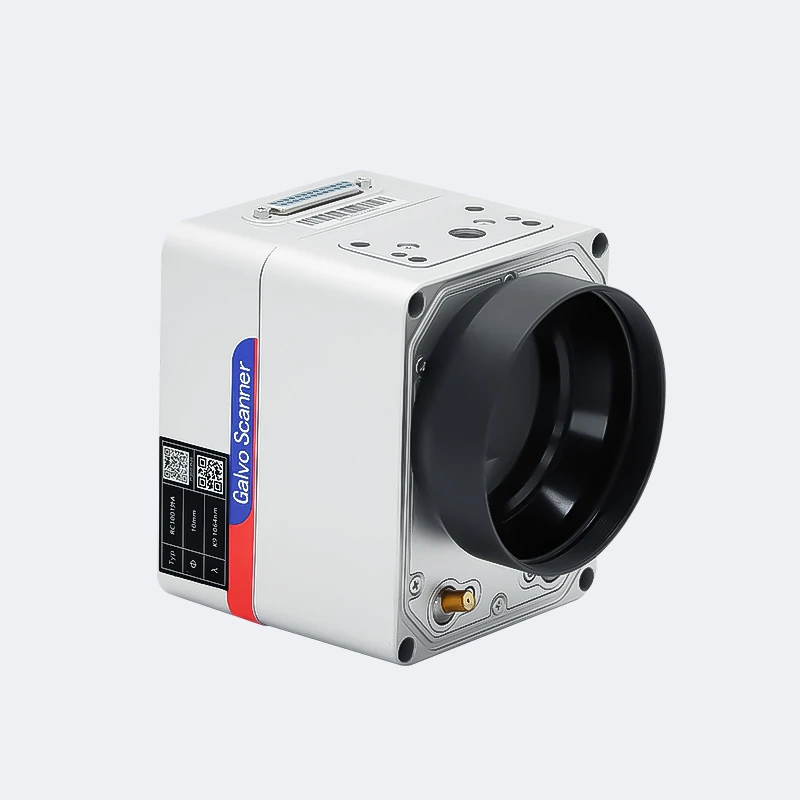
High-speed galvanometer scanner head

High-Speed Galvanometer Scanner

Dual high-speed motors position the scanning mirrors for fast, repeatable marking. A nominal speed of up to 7,000 mm/s depends on the scanner, lens, field size, artwork and process settings; auto-focus or 3D options require a separately confirmed configuration.

Rotary axis for rings and bracelets

Ring/Bracelet Rotary Axis

Nominal 50 mm fixture capacity; confirm jaw range and part geometry before ordering.

Flat sheet clamp for jewelry and metal parts

Flat Metal Sheet Clamp

Nominal clamping area 160 × 98 mm; confirm the part size, thickness and fixture layout.

Rotary axis for bottles and cylindrical parts

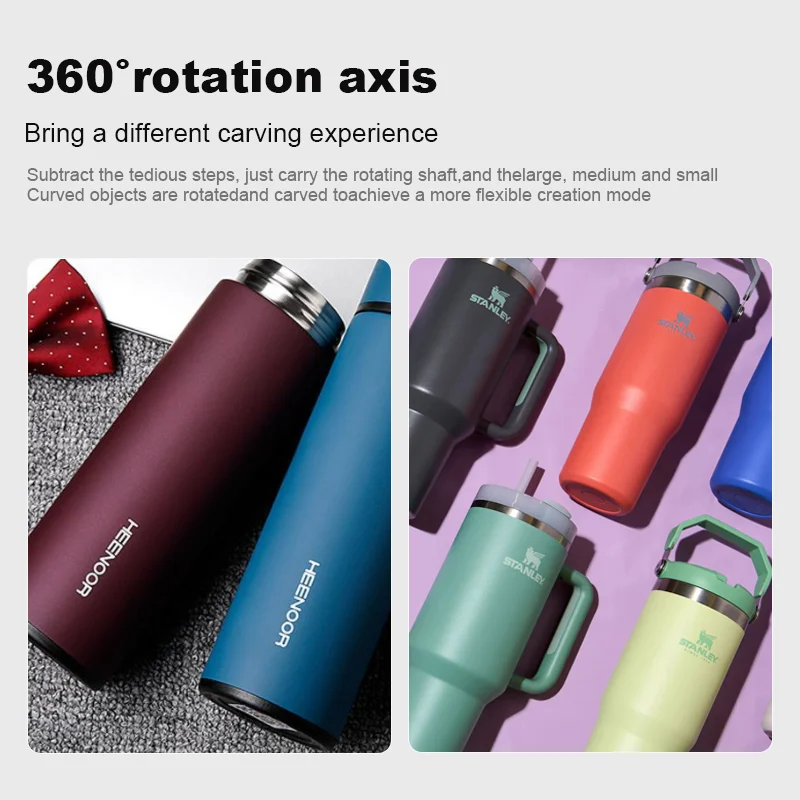
Bottle and Cylindrical-Part Rotary Axis

Nominal 80 mm fixture range; confirm diameter, weight, taper and required chuck or roller type.

Distributor and System-Integrator Cooperation

Vank Laser works with qualified distributors and system integrators that support laser equipment, CNC machinery or industrial identification solutions in their local markets.

  • Distributor pricing and commercial terms based on territory, volume and confirmed configuration
  • Branding, machine color and interface-language options subject to engineering review and order terms
  • Product photos, videos, technical documents and training resources for approved partners
  • Remote installation guidance and technical support according to the signed agreement
  • Shipment planning and mixed-model orders evaluated case by case

Introduce your company, main products, target customers and country or region by email to sales@vanklaser.com. The team will review market fit, sample-order requirements and possible cooperation terms.

Desktop Fiber Laser Marking Machine FAQ

What materials can a fiber laser marking machine mark?

Fiber marking at approximately 1064 nm is primarily used for metals, anodized aluminum, coated metals and compatible engineering plastics. Results on ceramics, glass, stone, leather and other non-metals vary with composition, additives and surface treatment, so representative sample testing is required.

What laser power options are available?

This platform can be quoted with 30 W, 50 W, 60 W, 70 W or 100 W sources, subject to the selected source brand and pulse type. Choose power, lens and Q-switched or MOPA behavior from the material, mark type, cycle time and required depth—not wattage alone.

How deep can a fiber laser marking machine engrave into metal?

There is no universal depth value. Engraving depth depends on the alloy, source power and pulse characteristics, field lens, hatch, focus, scan speed and number of passes. Define the required depth and surface finish, then approve a marked sample before production.

What is the difference between fiber laser marking and CO2 laser marking?

A fiber marker typically operates near 1064 nm and is well suited to metals and many engineered plastics. A CO2 laser operates near 10.6 μm and is generally better for wood, acrylic, paper, leather, textiles and other organic materials. The correct process depends on absorption, coating, mark contrast and safety requirements.

How do I clean and maintain the lenses and mirrors?

Power down and isolate the machine before maintenance. Keep the field lens covered when idle, remove loose dust with clean optical air and use only approved lens tissue and optical cleaning fluid according to the supplied procedure. Do not touch optical surfaces or clean them with ordinary cloth, and replace damaged protective optics rather than continuing to operate.

What file formats and software are supported?

The standard workflow uses EZCAD2 with a compatible JCZ controller and supports common vector, bitmap, text, serial-number, barcode and QR-code jobs. LightBurn Pro supports many EZCAD-based galvo machines after the correct driver and machine configuration are installed. Confirm the board model, operating system, software license and required import formats before ordering.

How long does the laser source last, and what is the warranty?

Laser-source life is affected by source design, duty cycle, temperature, power stability and operating conditions. Rated-life statements are not the same as a machine warranty. The source model, machine warranty, excluded consumables and service terms must be confirmed in the signed quotation.

What are the advantages of fiber laser marking over traditional methods (e.g., inkjet or engraving)?

Fiber laser marking is non-contact, needs no ink or cutting tool, and can produce fine, repeatable text, graphics and machine-readable codes. Compared with inkjet, it can provide more durable marks on compatible parts; compared with dot peen or mechanical engraving, it avoids tool contact and supports higher-detail graphics. Process validation and fume extraction are still required.

Related Products

HOW TO?
  • What laser equipment does Vank Laser supply?

    Vank Laser supplies fiber laser cutting machines, fiber laser marking machines, CO2 laser cutting and engraving systems, laser welding machines and laser cleaning equipment for industrial production and custom automation projects.

  • How do I choose the right laser machine for my application?

    The right configuration depends on your material, thickness, workpiece size, required speed, accuracy target and production workflow. Share drawings, materials or sample parts with our team so we can recommend a suitable machine, laser power and accessories.

  • Can Vank Laser customize laser equipment?

    Yes. We can evaluate custom work areas, laser power, fixtures, rotary devices, loading systems, vision options and automation interfaces according to your process requirements and confirmed quotation.

  • Which industries use Vank Laser equipment?

    Our machines are used in sheet metal fabrication, signage, packaging, textiles, leather goods, electronics, automotive parts, medical device components, craft production, furniture, molds and general industrial marking, cutting, welding and cleaning.

  • What safety and compliance documents are available?

    Available compliance documents depend on the machine model, destination market and final configuration. We can provide the relevant certificates, manuals and safety documentation for the confirmed order. Operators should follow local safety rules and use proper guarding, ventilation and PPE.

  • What after-sales support do you provide?

    Vank Laser provides installation guidance, operator training, troubleshooting support, spare-parts assistance and warranty service according to the confirmed machine configuration and sales agreement. Remote technical support is available for daily operation questions.

  • How is the price of a laser machine quoted?

    Pricing depends on the model, laser power, working area, controller, source brand, cooling system, accessories, shipping terms and service requirements. Send your application details and we will prepare a configuration-based quotation.

  • How can I contact Vank Laser for more information?

    You can contact Vank Laser through the website form, email, WhatsApp or phone. Please include your material, workpiece size, target process and required output so our team can respond with practical recommendations.

Contact us
If you have any questions or would like to request a quote, Please send us a message.
WhatsApp Now