

HomeProductsLaser Marking Machines for JewelryDesktop Fiber Laser Marking Machine, 30-100 W
Desktop Fiber Laser Marking Machine, 30-100 W

Desktop Fiber Laser Marking Machine, 30-100 W

Laser Marking Machines for Jewelry

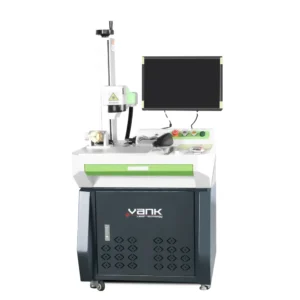
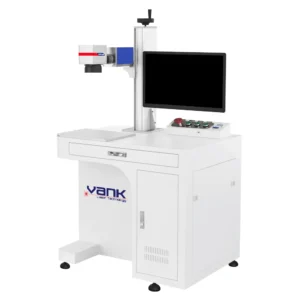
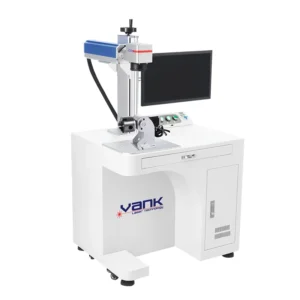
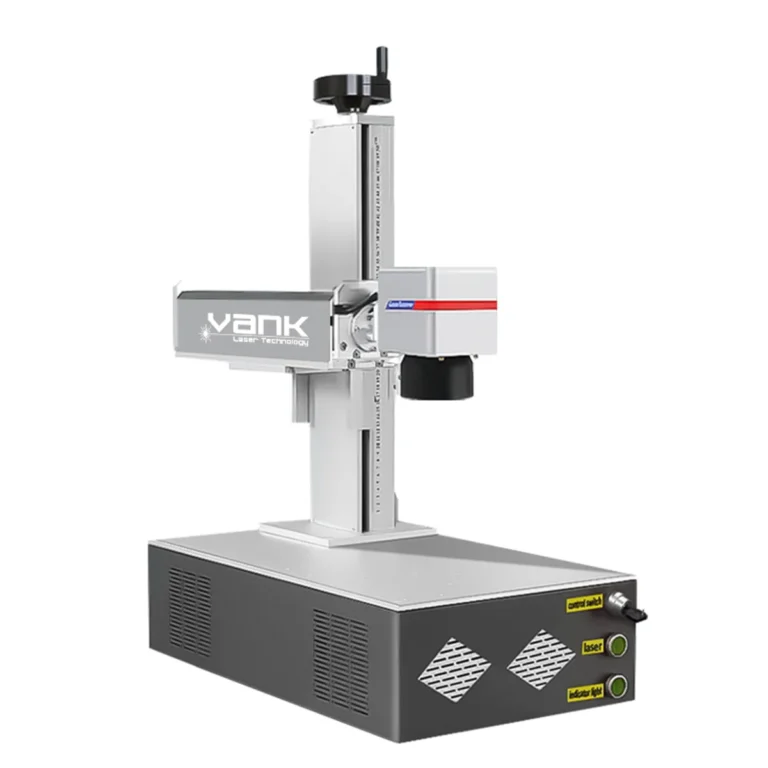
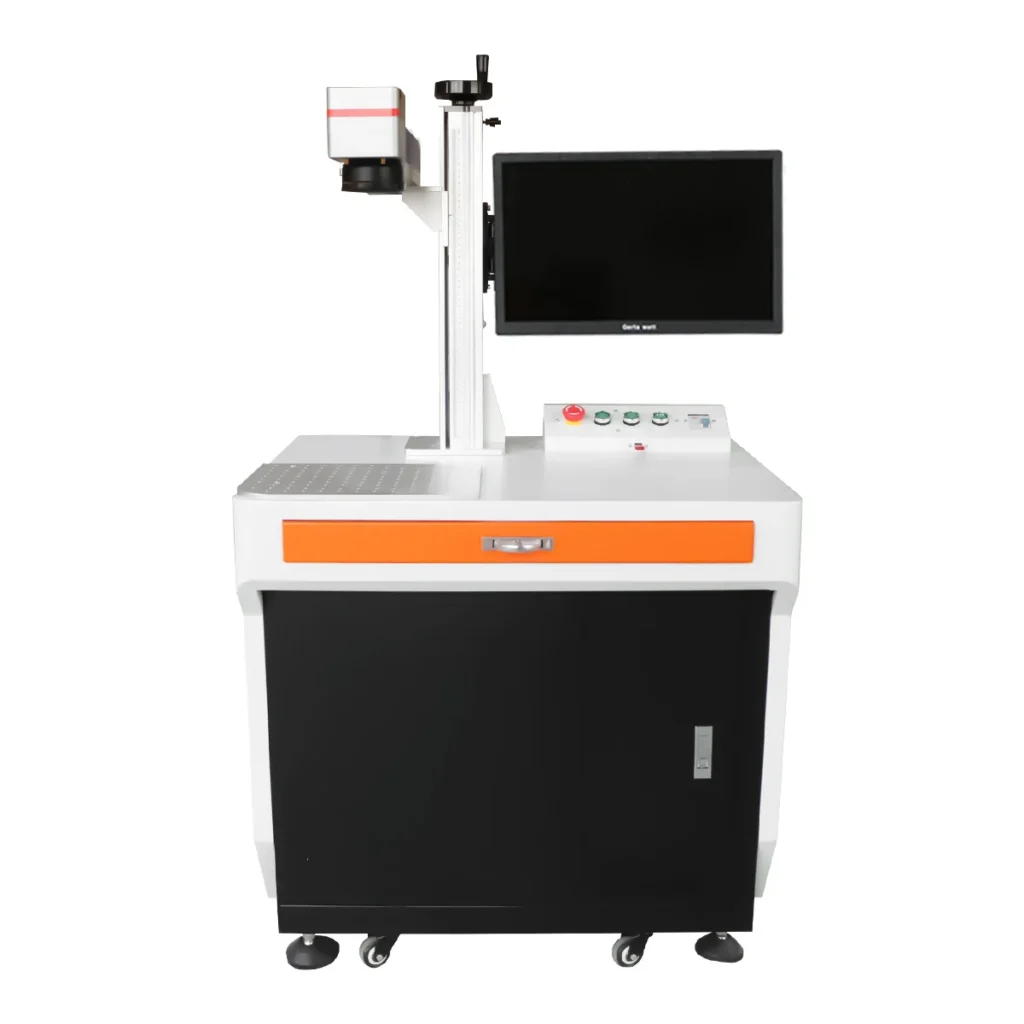
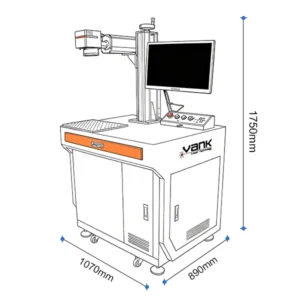
The desktop fiber laser marking machine is an open-frame 1064 nm galvo workstation for permanent identification, logos, serial numbers, 2D codes, texturing and optional controlled engraving on qualified materials.

Choose a 30-100 W Q-switched or MOPA source and a 75 × 75 to 300 × 300 mm field as quoted. Source, lens, controller, fixture, readability, mark quality and cycle time are confirmed on customer samples.

Red-light box and contour previews support placement but do not prove focus or safety. The open-beam workstation is Class 4 unless a tested enclosure is supplied, so extraction, guarding, controlled access and trained operation are required.

Share:

Enter password to download our product information Contact sales@vanklaser.com

Product Description

Desktop Fiber Laser Marking Applications

  • Electronics and electrical parts: permanent serial numbers, QR codes, Data Matrix codes and logos on qualified metal housings, connectors and selected laser-responsive polymers.
  • Industrial nameplates and identification: durable text, scales, ratings, barcodes and variable data on approved metals and coated tags.
  • Automotive and machinery components: traceability marks on bearings, gears, fasteners, valves and machined assemblies.
  • Tools and hardware: brand marks, size information, safety identifiers and optional controlled engraving on steel, carbide and coated parts.
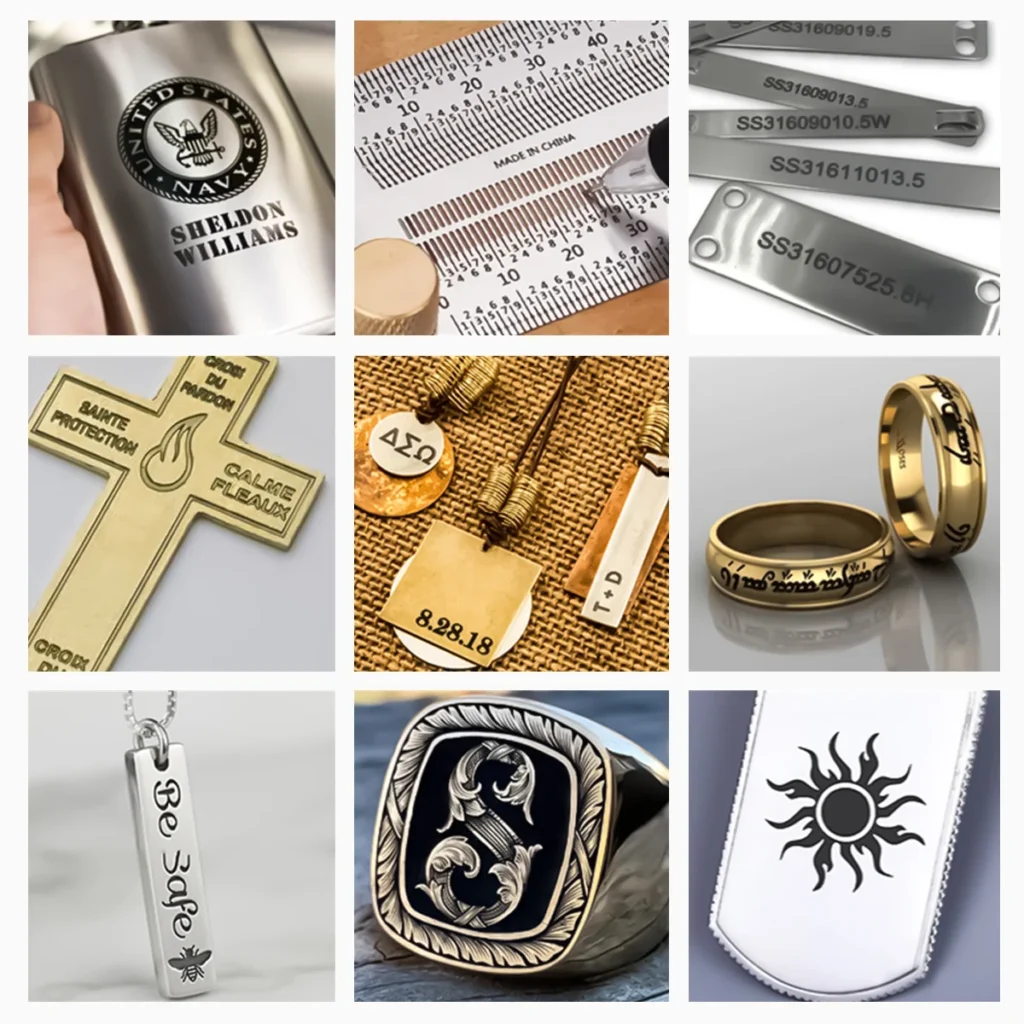
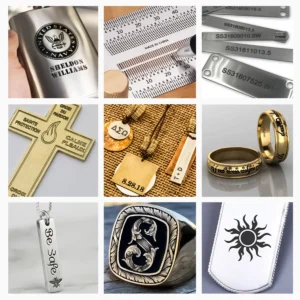
  • Jewelry, gifts and accessories: personalization on approved precious metals, stainless steel, titanium, brass and coated products with part-specific fixtures.
  • Contract marking and mixed production: software-driven variable data for small batches, multiple SKUs and customer-supplied parts.

If your application is not listed, send the material grade, coating, part drawing, artwork, code specification and required cycle time. A sample trial can confirm absorption, contrast, readability, heat input, extraction and fixture strategy before quotation.

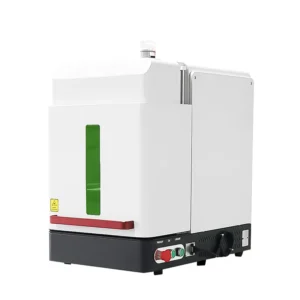
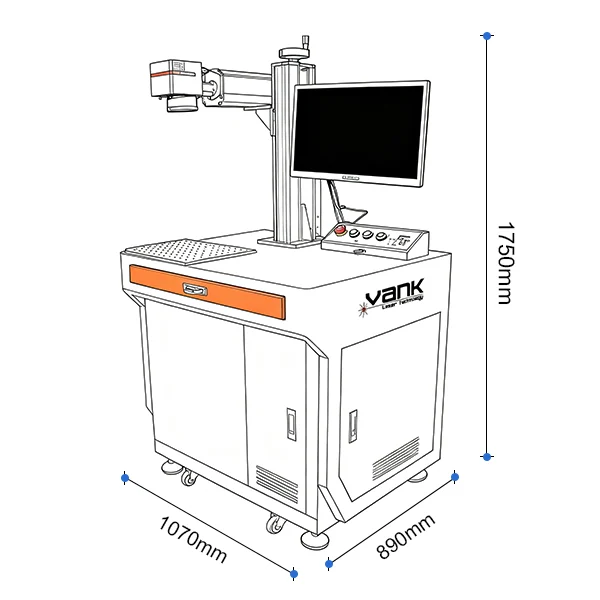
Desktop fiber laser marking machine overview

Desktop Fiber Marker Specifications

ModelDesktop fiber laser marking machine (configured order)
Primary ProcessPermanent marking, coding, texturing and optional controlled engraving on qualified metals and laser-responsive plastics
Nominal Wavelength1064 nm pulsed fiber laser
Rated Power Options30 / 50 / 60 / 70 / 100 W as quoted
Source ArchitectureQ-switched or MOPA source selected for alloy, contrast, depth, heat input and color-marking trials
Pulse ParametersFrequency and pulse-width range depend on the exact source model and must follow its datasheet
Marking FieldLens options from 75 × 75 to 300 × 300 mm as quoted; usable field is limited by spot requirement, part height, rotary and Z-axis clearance
Field LensF-theta lens matched to field size, spot requirement, working distance and part fixture
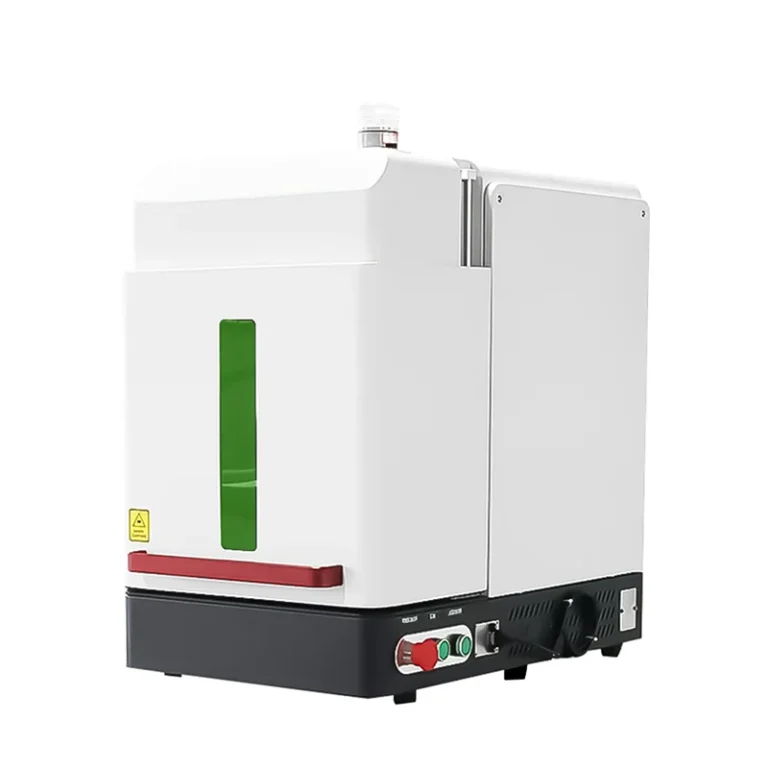
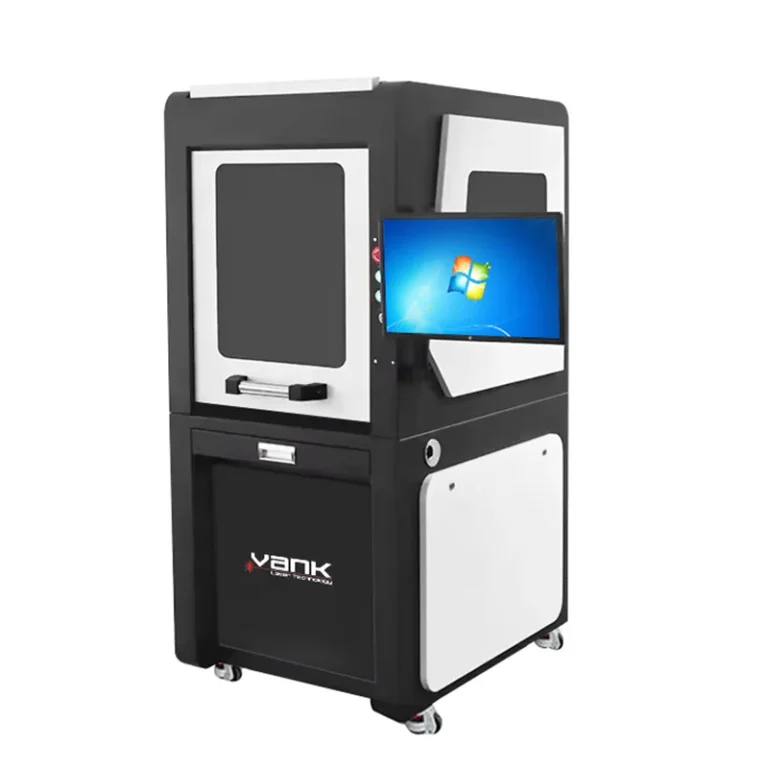
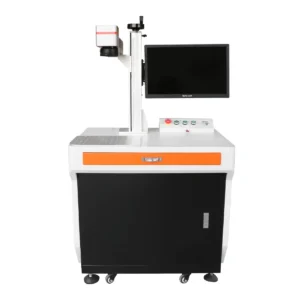
EnclosureDesktop open-frame workstation with integrated cabinet or split configuration; enclosure optional and separately specified
Laser Safety ClassificationStandard open workstation is Class 4; any lower complete-system classification requires a tested enclosure and destination-market documentation
Safety ControlsKey control, emergency stop, emission indication, guarding and controlled-area provisions confirmed in the final configuration; enclosure interlocks are optional
Scan HeadDual-axis galvanometer with lens-specific correction file
Focus and Z ClearanceManual or motorized Z as quoted; usable height and focal clearance confirmed with the actual part and fixture
Production SpeedQualified by sample for artwork, fill density, alloy, contrast or depth and acceptable heat input
Mark QualitySmallest character, line width, field distortion, repeatability and cosmetic finish verified on approved samples
CoolingAir-cooled unless the exact source or workstation configuration specifies another method
ControllerJCZ/EZCAD2-compatible control card or other quoted controller, with model, firmware and source protocol confirmed
SoftwareEZCAD2 workflow; LightBurn Pro only when the supplied board, driver and current version are supported
Variable DataText, serial numbers, logos, barcodes and Data Matrix codes subject to software and customer file validation
Jewelry FixturesOptional ring, chuck, roller or flat-part fixtures selected for diameter, weight, concentricity, clearance and surface protection
ExtractionLocal fume and particle extraction or filtration matched to material, coating, engraving depth and duty cycle
Electrical ServiceVoltage, frequency, connected load, grounding and destination-market requirements confirmed before shipment
Operating EnvironmentTemperature, humidity, dust and condensation limits follow the final source, controller and workstation manuals
AcceptanceCustomer samples approve artwork, material, fixture, mark appearance or depth, cycle time, readability and safety documentation

Configuration starts with the material, required mark contrast, code size, field, production target and whether a rotary is needed. The quotation identifies the exact Q-switched or MOPA source, lens, controller, fixture and acceptance sample.

Marking Samples and Process Qualification

Materials and Process Qualification

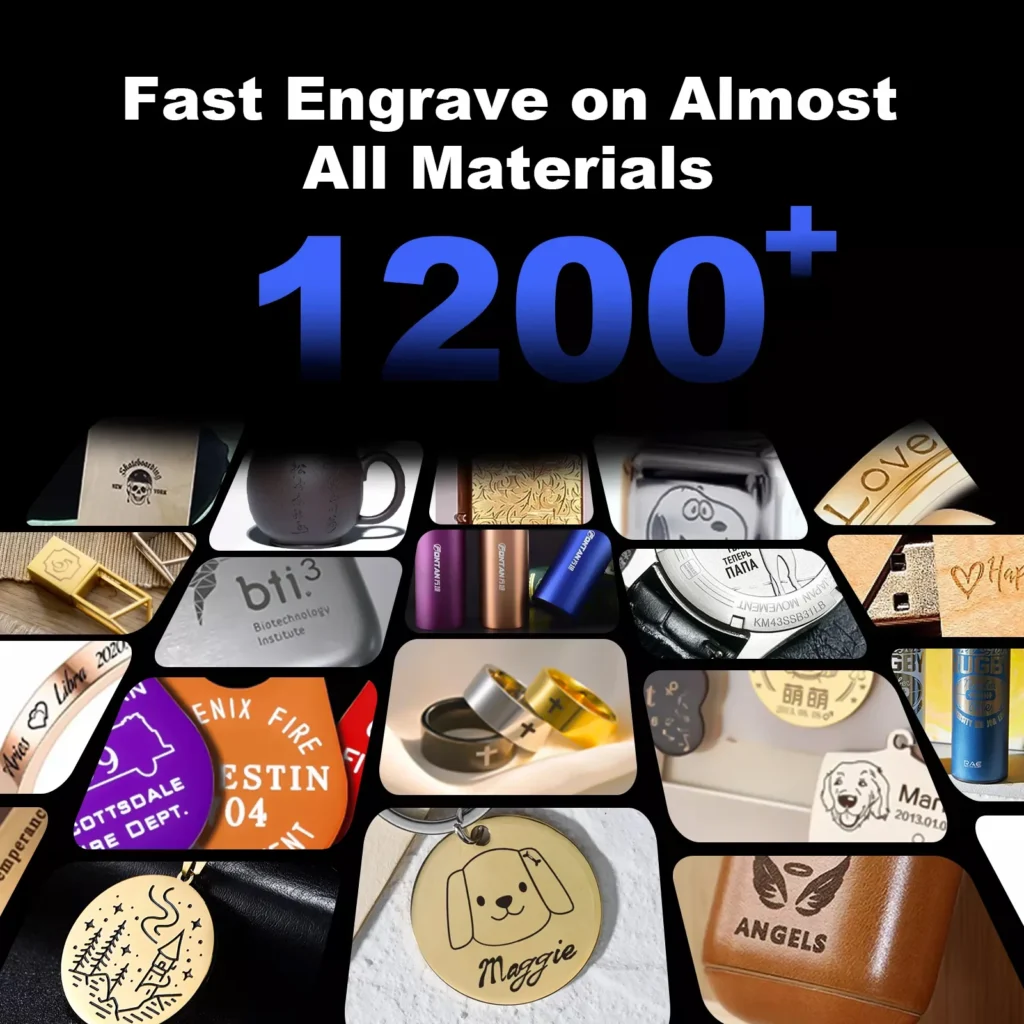
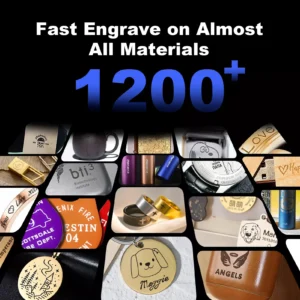
A 1064 nm fiber source is commonly selected for steel, stainless steel, aluminum, brass, copper, titanium, precious metals and many coated metals. Some engineered polymers can mark after SDS review and testing. Leather, fabric, glass, paper, clear acrylic and stone generally require another source. Every alloy, coating, finish and heat-sensitive assembly must be qualified on a representative sample.

Typical Desktop Marker Users

Typical users include electronics and electrical manufacturers, automotive suppliers, tool and hardware shops, nameplate producers, jewelry workshops and contract marking services. Production acceptance defines loading, focus, fixture changeover, extraction, code inspection, cycle time and surface finish.

Permanent metal identification sample
Metal Marking
Personalized metal nameplate marking sample
Dog Nameplate Marking
Traceability marking on metal tools
Tool Marking
Logo marking on a qualified coated housing
Mobile Phone Case Marking
Leather sample requiring alternative-laser qualification
Leather Bag Marking
Personalized stainless-steel cup sample
Stainless Steel Cup Marking
Aluminum component marking sample
Aluminium
Gold accessory marking sample
Gold
Silver pendant marking sample
Silver
Brass tag marking sample
Brass
Titanium component marking sample
Titanium
Stainless-steel part marking sample
Stainless Steel
Copper marking sample
Copper
Precious-metal marking sample
Platinum
Carbon-steel marking sample
Iron
Coated ceramic sample requiring source qualification
Tile
Tungsten marking sample for process qualification
Tungsten
Additional carbon-steel marking sample
Carbon Steel
Polymer samples requiring material qualification
Silicone & Plastic
Colored acrylic sample requiring source qualification
Colored Acrylic
Leather sample requiring alternative-laser qualification
Leather
Natural-stone sample requiring source qualification
Stone
Granite sample requiring source qualification
Granite
Marble sample requiring source qualification
Marble

Core Desktop Marker Components

 Core components of the desktop fiber laser marker

Controller and Marking Software

The configured controller and supplied software manage text, logos, serial data, dates, barcodes, Data Matrix codes, vectors and raster artwork. Board revision, firmware, source protocol, driver, import formats and lens-correction file are confirmed with the delivered system.

LightBurn Pro can be offered only when the current version supports the delivered galvo board, driver and source protocol. The original machine configuration and correction file must be backed up before changing drivers or software.

Red-light box preview for mark positioning

Red-Light Box Preview

The visible red-light box is a positioning aid for checking approximate field placement before marking. It does not prove focus, lens calibration, rotary alignment or laser safety; final position is verified on a non-production sample.

Red-light contour preview for artwork placement

Red-Light Contour Preview

The contour preview traces the artwork boundary to check whether the job fits the part. Offset, field distortion, perspective and fixture movement must be calibrated, and the visible guide does not indicate the invisible 1064 nm beam path.

Configured 1064 nm pulsed fiber laser source

Configured 1064 nm Fiber Source

Raycus, MAX, IPG or JPT sources can be evaluated by exact model, rated power, Q-switched or MOPA architecture, pulse-frequency range and pulse-width behavior. Higher power does not automatically improve mark quality; material, coating, spot size, heat input, field lens and scan strategy are selected from customer samples.

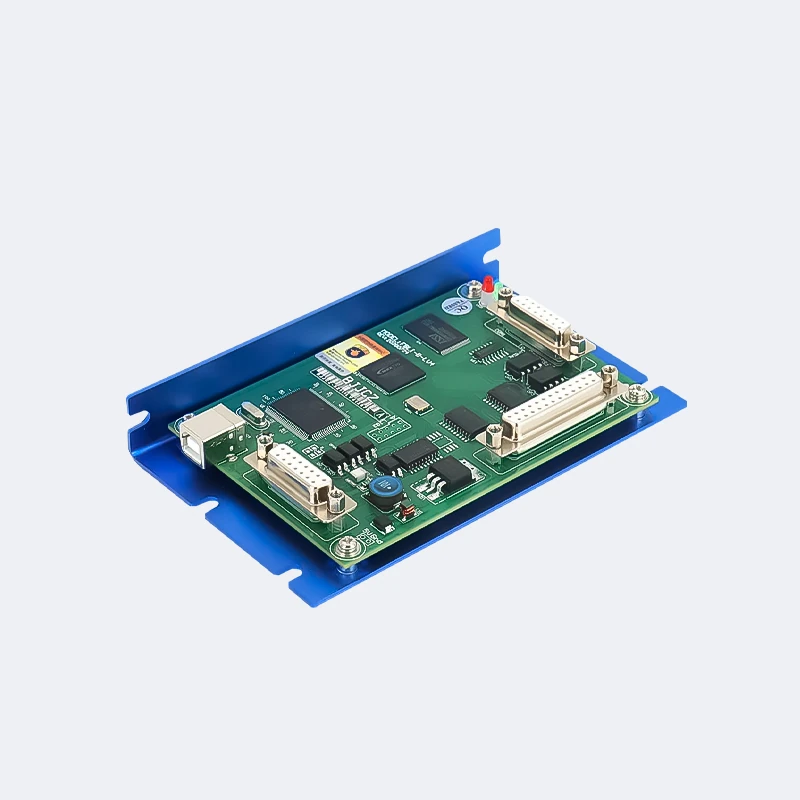
JCZ galvo control card in the desktop marker

JCZ Galvo Control Card

The JCZ or other quoted control card coordinates source timing, galvanometer motion and workstation I/O. Exact hardware, firmware and electrical integration must match the delivered source and safety design; software control does not replace independent safety controls.

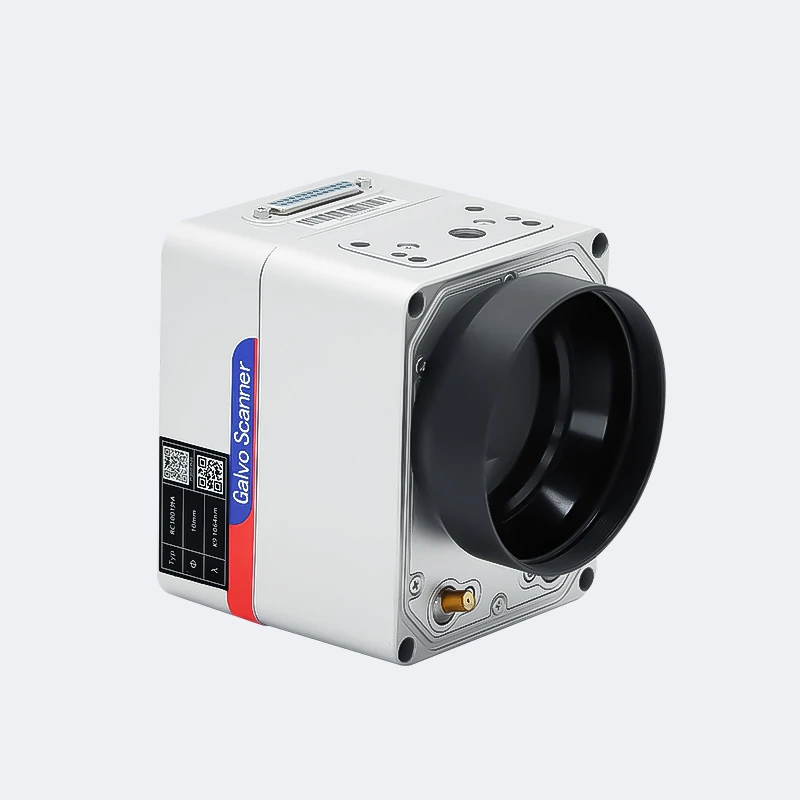
Calibrated galvanometer scan head

Calibrated Galvanometer Scan Head

The dual-axis galvanometer moves the beam across the lens-corrected field. Scanner travel speed is not a production-cycle guarantee; artwork, fill, material, power, readability and thermal limits define throughput. Auto-focus and 3D scanning are separately engineered options.

Ring and small-part rotary fixture

Ring and Small-Part Rotary Fixture

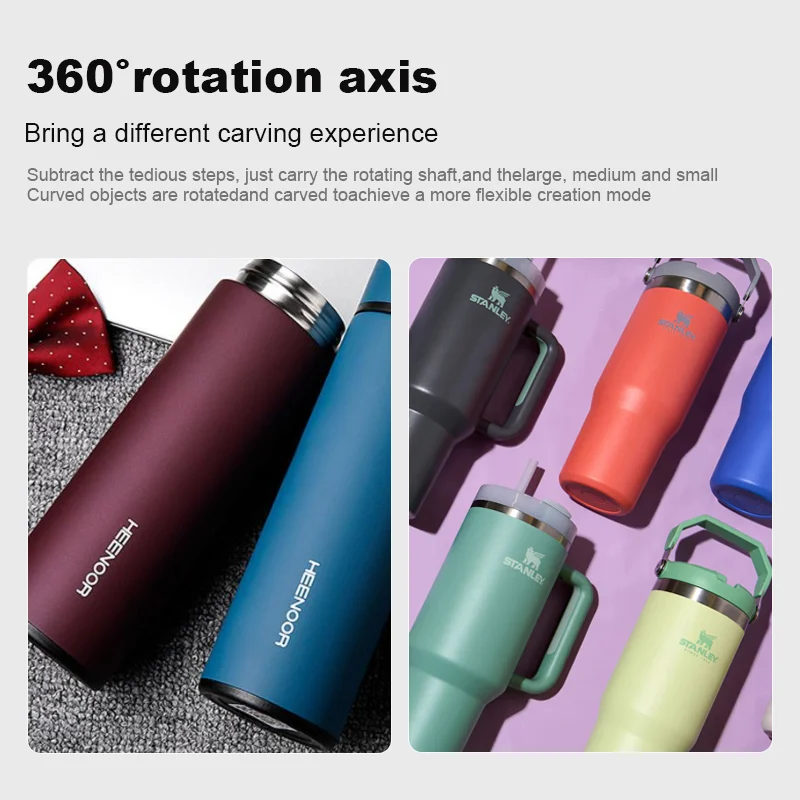
A compact rotary can support inside or outside marking on compatible rings and small cylindrical parts. Chuck range, concentricity, step resolution, surface protection, focal distance and Z clearance are confirmed on the customer part.

Flat-sheet and small-part fixture

Flat-Sheet and Small-Part Fixture

A flat-part fixture can locate tags, nameplates, sheet, tools and small components. Usable opening, jaw material, part thickness, flatness, repeatability and protection against scratches are selected for the application.

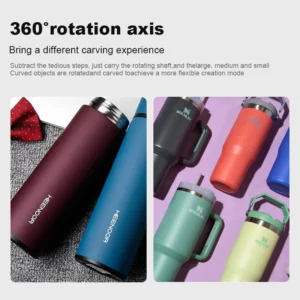
Cylindrical rotary fixture

Cylindrical Rotary Fixture

A chuck or roller rotary can index compatible cylindrical parts. Diameter, length, weight, taper, focal position, support method and Z clearance are confirmed before production.

Desktop Fiber Laser Marking Machine FAQ

Which materials can a desktop fiber laser marker process?

Fiber sources are well suited to steel, stainless steel, aluminum, brass, copper, titanium, precious metals and many coated metals. Results vary by alloy, plating and finish. Some polymers mark after SDS review and testing; leather, fabric, glass and clear acrylic usually require a different source.

Which 30-100 W fiber source should I choose?

Common quoted fiber options are 30, 50, 60, 70 and 100 W. Choose the exact Q-switched or MOPA source, field lens and pulse range from the material, required contrast, smallest code, optional depth, acceptable heat input and production target.

Can this desktop marker perform deep metal engraving?

Deep engraving is not defined by power alone. Material, source architecture, lens, spot size, passes, hatch strategy, heat limit and cycle time affect removal. Any controlled depth must be measured on a representative customer sample.

How does fiber laser marking compare with CO2 marking?

A 1064 nm fiber laser is commonly selected for metals and selected laser-responsive plastics. A 10.6 µm CO2 laser is generally better for many organic materials, wood, paper, leather and acrylic. UV or green sources may be preferred for fine marking on heat-sensitive coatings and polymers.

How should the field lens and workstation be maintained?

Power down and isolate the workstation before cleaning. Keep fixtures, extraction paths and guards clean. Do not touch the field lens; use only approved lens tissue and optical-cleaning fluid when inspection shows contamination. Internal optics and optional interlocks should be serviced by trained personnel.

Which controller, software and file formats are supported?

The supplied EZCAD2, EZCAD3, SeaCAD or other workflow depends on the delivered controller. Common imports include vector, raster, text and variable-data formats, but the exact list must be confirmed. LightBurn Pro is optional only for a supported galvo board, driver and current version.

What source life and warranty are provided?

Service life is not a guaranteed fixed hour count. It depends on the exact source model, duty cycle, temperature, contamination, power quality and maintenance. The quotation must identify source and workstation warranty terms, exclusions, service procedure and spare-parts support.

What are the advantages over inkjet or mechanical marking?

Fiber marking is non-contact, supports software-driven variable data and can create durable marks without ink or cutting-tool wear. It still requires correct fixtures, extraction, validated parameters, optical maintenance and code inspection; mechanical marking remains useful for tactile or traditional finishes.

Related Products

HOW TO?
  • What laser equipment does Vank Laser supply?

    Vank Laser supplies fiber laser cutting machines, fiber laser marking machines, CO2 laser cutting and engraving systems, laser welding machines and laser cleaning equipment for industrial production and custom automation projects.

  • How do I choose the right laser machine for my application?

    The right configuration depends on your material, thickness, workpiece size, required speed, accuracy target and production workflow. Share drawings, materials or sample parts with our team so we can recommend a suitable machine, laser power and accessories.

  • Can Vank Laser customize laser equipment?

    Yes. We can evaluate custom work areas, laser power, fixtures, rotary devices, loading systems, vision options and automation interfaces according to your process requirements and confirmed quotation.

  • Which industries use Vank Laser equipment?

    Our machines are used in sheet metal fabrication, signage, packaging, textiles, leather goods, electronics, automotive parts, medical device components, craft production, furniture, molds and general industrial marking, cutting, welding and cleaning.

  • What safety and compliance documents are available?

    Available compliance documents depend on the machine model, destination market and final configuration. We can provide the relevant certificates, manuals and safety documentation for the confirmed order. Operators should follow local safety rules and use proper guarding, ventilation and PPE.

  • What after-sales support do you provide?

    Vank Laser provides installation guidance, operator training, troubleshooting support, spare-parts assistance and warranty service according to the confirmed machine configuration and sales agreement. Remote technical support is available for daily operation questions.

  • How is the price of a laser machine quoted?

    Pricing depends on the model, laser power, working area, controller, source brand, cooling system, accessories, shipping terms and service requirements. Send your application details and we will prepare a configuration-based quotation.

  • How can I contact Vank Laser for more information?

    You can contact Vank Laser through the website form, email, WhatsApp or phone. Please include your material, workpiece size, target process and required output so our team can respond with practical recommendations.

Contact us
If you have any questions or would like to request a quote, Please send us a message.
WhatsApp Now